
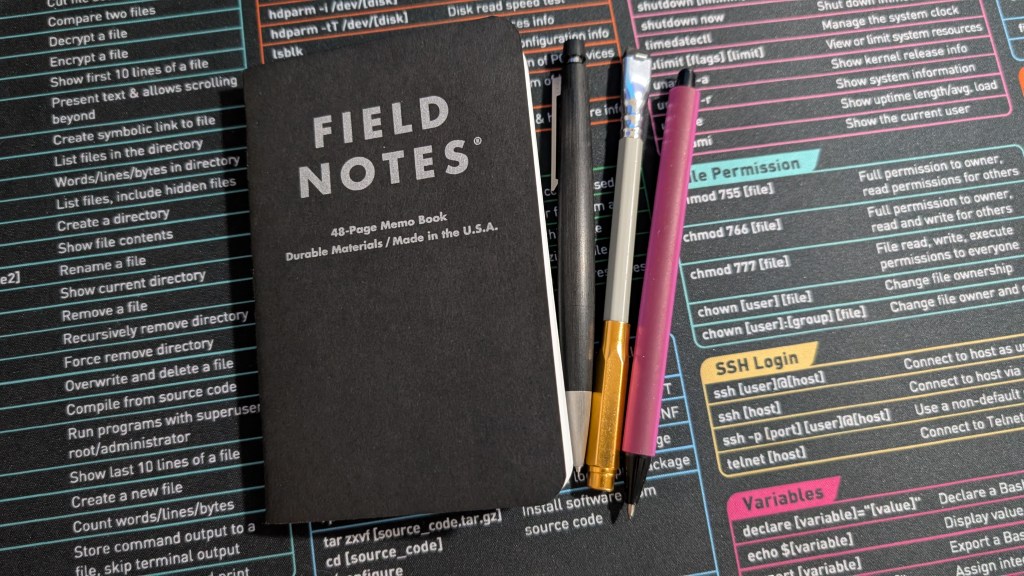
I’ve been a stationery junkie for years now. I really like analog writing tools in general, especially pocket notebooks. While gel pens have been my jam, I did start trying to use other tools like fountain pens and, of course, pencils a few years back. Despite how I have quite a few of them, however, I haven’t really used pencils all that much, especially compared to my girlfriend.
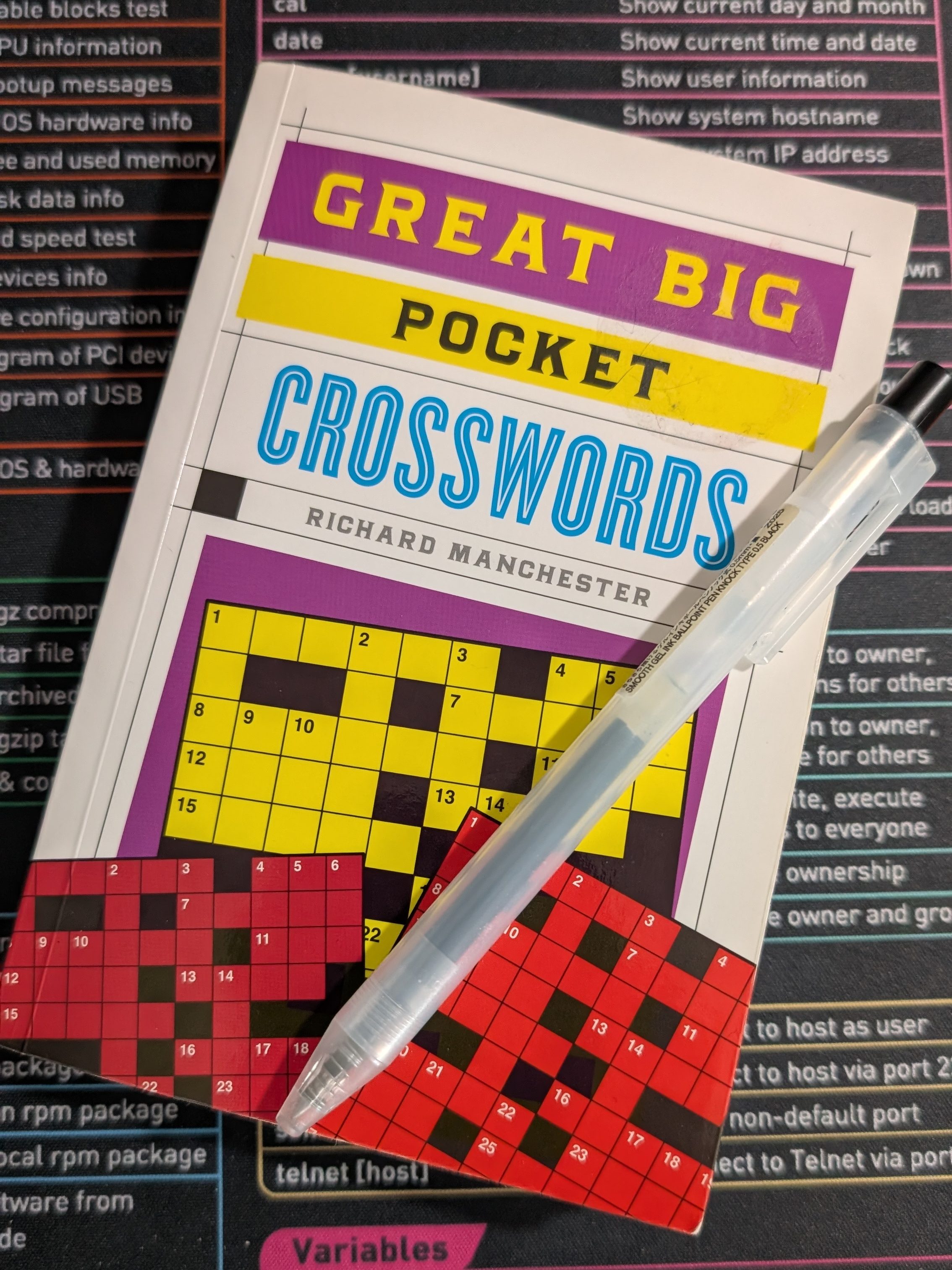
Speaking of pocket-sized things, we did clean out our bookshelf lately, which led to the rediscovery of a “pocket” crossword puzzle book we bought a few years ago. Within it are hundreds of great crossword puzzles. Still, despite its name, I would scarcely describe this as “pocket” friendly. Unless I go out of my way to buy cargo pants, this is not going to fit in any of my pockets.
My girlfriend and I practiced a few puzzles for old time’s sake, but an idea struck me several days ago as I was idle in public.
What if I could make the crossword puzzles actually fit into my pocket? Better yet, what if I could pick only the puzzles I wanted to take with me?
I mean, sure, I could use an app, but I really don’t like to idle around on a phone for long when I’m on the go. Notifications have their way prying attention away from one app to a less relevant one. I’ve even documented on multiple occasions how I’ve even attempted to use something more like a dumbphone. My idea of keeping analog entertainment on me at all times felt like a brilliant rediscovery, as I’m sure I’m far from the only person to ever attempt this.
When I had a chance to finally go home, I got to work right away with so many ideas of how to implement what I pictured in my head.
Materials and Setup
This is where a lot of the magic happened for me. To get started, I just needed a few things I already had lying around:
- A blank, actually pocketable notebook
- A printer, preferably one with a scanner bed for copying analog puzzles from elsewhere
- (If no scanner or analog source of puzzles) A computer with an internet connection
- Double-sided tape
- Scissors
- A pencil to solve the puzzles
For my particular setup, I used a Field Notes Pitch Black notebook I had within reach. While the paper quality is just alright (my gel pens don’t always work perfectly on them), the dot grid paper makes it easy to align everything. Plus, Field Notes are perfectly pocket-sized.
A printer is a must for myself, but I suppose ripping apart an existing book of puzzles could theoretically work. That said, my Canon MF424dw may not have been the easiest printer to use with my Arch Linux desktop, but it does have a built-in scanner with scaling options, which are a must for a project like this.
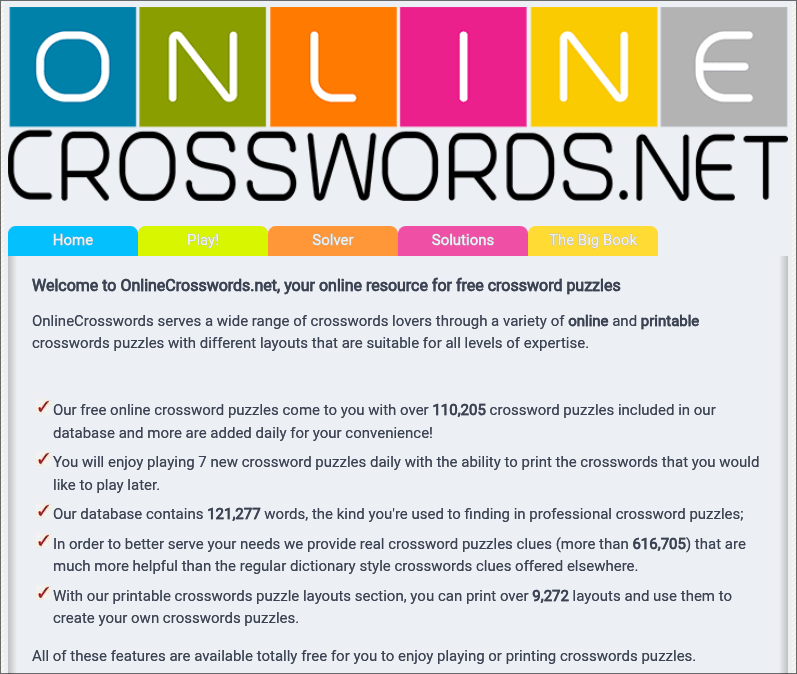
If you have no analog source of puzzles at all or simply have no scanning ability, a standalone printer should still work perfectly fine. You can head online, look for crossword puzzles, and just print those instead. KrazyDad offers a lot of excellent number puzzles to print in general, although for specifically crosswords, I was able to find crosswords at the aptly-named OnlineCrosswords.net.
Speaking of KrazyDad, I think this is now a time as any to bring up that a project like this doesn’t have to be solely crossword puzzles. I have casually played other analog puzzles like Sudoku in the past, for instance, so I added over a dozen to my project. Same with various types of other puzzles for variety. There are a lot of different types out there, but I ultimately settled on a mix of:
- Crossword puzzles
- Sudoku
- Kakuro
- Inkies
- Bridges
I’m aware that just about everything below “Crossword puzzles” on this list involves mathematics instead of wordplay, but I did want to get a good amount of variety in there.
Sites like KrazyDad in particular also offer varying difficulty, in case a beginner-level Sudoku puzzle is a tad too easy, but expert-level is still unreasonable. That way, I can just pick intermediate difficulty! I was able to pick somewhat harder puzzles for Kakuro and Bridges, ensuring that I’ll actually take some time to solve them instead of getting them instantly or becoming too frustrated over high difficulty puzzles.
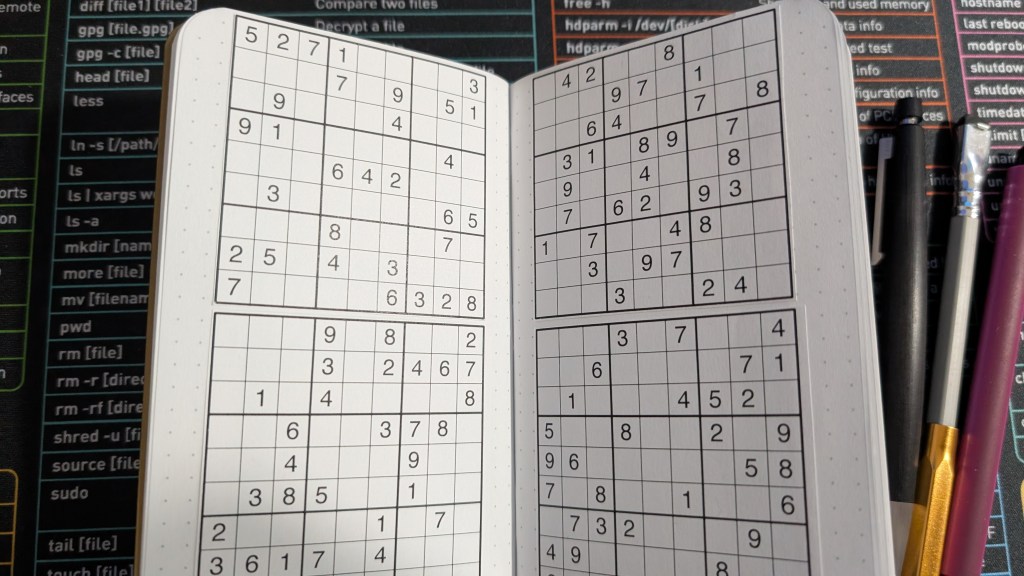
After a few scans of my puzzle book, I settled with printing online puzzles, as getting it right required really pressing down the book onto the scanner bed, bending up the spine a bit. Had this been a thinner book of crosswords, like the sort from a dollar store, I imagine this would have been simpler.
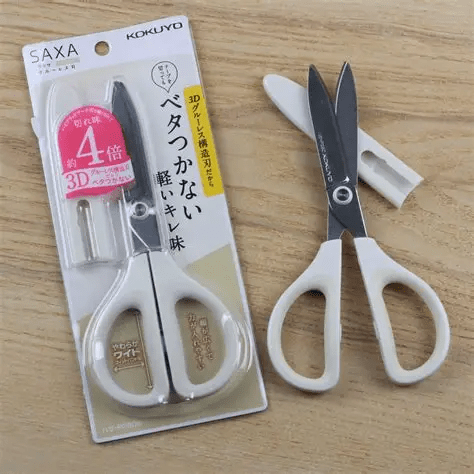
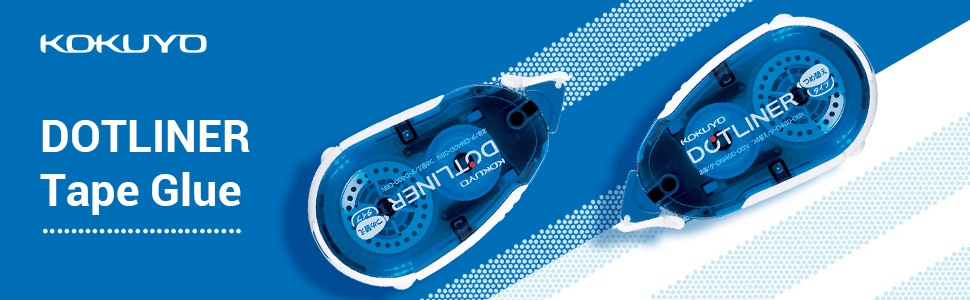
As for my last two preparation tools, I used Kokuyo Dotliner double-sided tape and a pair of Kokuyo scissors. While any regular tape or pair of scissors should still work, Kokuyo really knows how to do stationery. The Dotliner allows for me to apply double-sided tape to the back of paper as easy as corrective tape, and the scissors? I’m not sure what exactly Kokuyo does, but these are the smoothest scissors I’ve ever used in my life.
Lastly, you’ll want a pencil to solve these. I love using gel pens for notetaking, but so many of these puzzles strongly benefit from pencil use because mistakes will happen. Plus, my pencil collection finally gets a chance to shine again.
The Actual Process
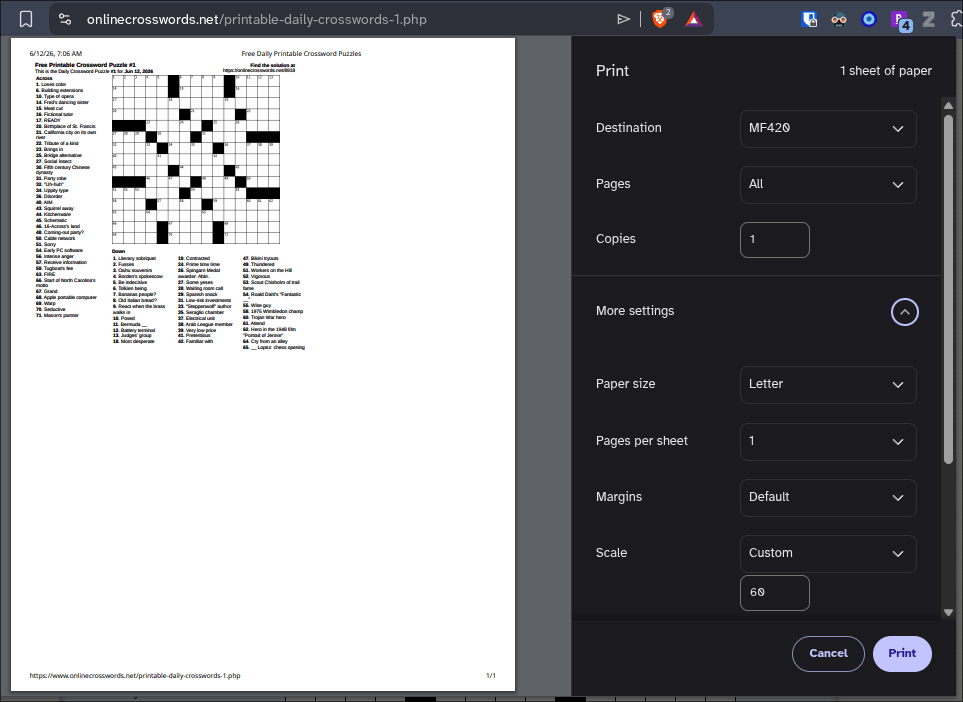
Thankfully, it’s just as straightforward as it sounds, for the most part. Pick the puzzles, whether it’s a scan or online puzzle, tweak the scaling before scanning or printing, cut them out, and use the double-sided tape to apply them into the pages of the Field Notes.
Scaling took some trial and error early on, but I generally stuck with a few settings once I figured out what was best. The ballpark range of scaling, depending on the puzzle I print, is between 60% and 74%.
Of course, it took a bit of self-restraint to not try and start solving the puzzles as I was taping them in. I reminded myself not to look too closely at them. I am trying to save them for a later time, after all.
Other Tweaks?
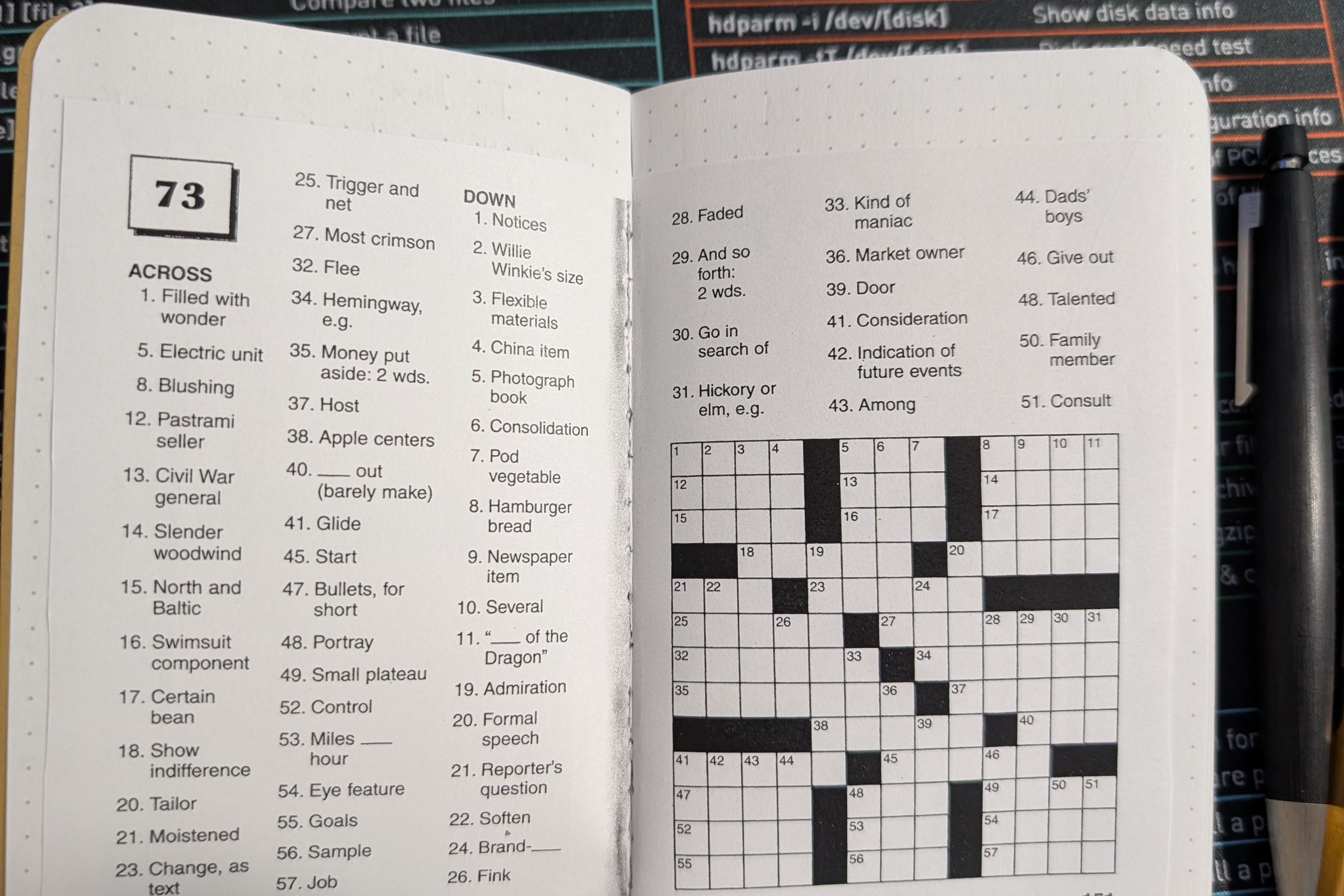
Still, I am a creature of habit. Instead of simply affixing all of the puzzles in there and calling it a day, I set up a first page index and numbered all of the pages. This way, I could easily check the index, decide what type of puzzle I’m in the mood for, and go to those pages.
I also dedicated the last small handful of pages at the very end of the notebook for handwritten notes. Not because I wanted to put fewer puzzles into the notebook, but because I simply ran out of my double-sided tape when I was almost finished (oops). If I were tempted, I could dedicate this section to setting up the solutions for the puzzles, but I’d rather go without them, personally.
The Drawbacks
I’m going to start with the negatives because there weren’t as many as I thought I’d run into.
The first major disadvantage is that this requires time to sit down and set up. It took me about 30 minutes to experiment with scaling, granted I strongly suspect this first-time setup is going to remain the longest. Now that I have ideas of what to do and what to change for next time, I can save time whenever I finish solving all of the puzzles in this Field Notes and decide to make a new one.
Another disadvantage was completely avoidable for me, but I only realized it when I was almost finished. Unless you are careful about how many two-page spreads you have, having paper that layers on top across both pages tends to add more thickness to the Field Notes.
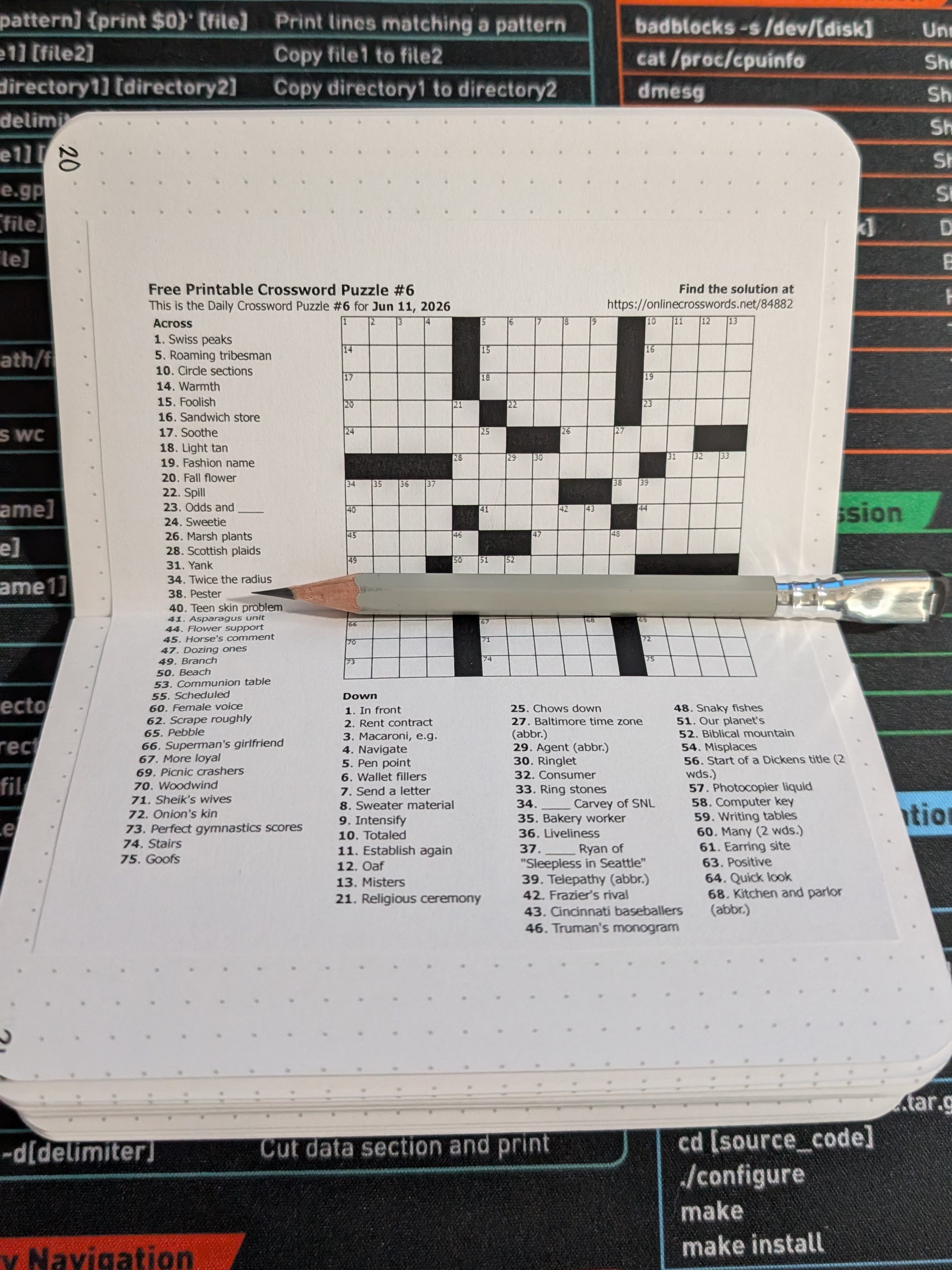
Still, this can be solved by cutting and separating the items on the pages. I could have, for instance, separated more pages with Bridges setup on them to help with this slightly. Still, I can avoid this next time, as I still think some things are best left joined together across two pages, like the online crossword puzzle pictured above in particular.
The last drawback is that I wasted a lot of paper during the experimentation phase. Granted, my girlfriend and I recycle, but it was a little annoying to print out a sheet of paper with just one puzzle on it, cut it out, and discard the rest of the unused paper into our recycling bin. I’m sure there’s a better way to do this, although on the bright side, at least KrazyDad has quite a few types of puzzles formatted so that multiple puzzles appear on a page, which does help.
Alright, now for the many advantages!
The Advantages
There’s an obvious element of curation, whether it’s the types of puzzles or the difficulty involved. If I don’t really have much interest in nonograms, cryptograms, or others, I don’t have to include them! If I want to have a specific mix of crosswords, Sudoku, and Kakuro, nothing can stop me from that. If I want specific levels of puzzle difficulty, I can pick and choose there as well.
For instance, I really like my crossword puzzles, although my girlfriend, a second language English speaker, admits that she struggles with harder ones. Conversely, she is better than I am at Sudoku. If I wanted to make one of these for her, I could put crossword puzzles with lower or intermediate difficulty while putting tougher Sudoku puzzles in to suit her fancy. Or if she wants only Sudoku, that would also be an option!
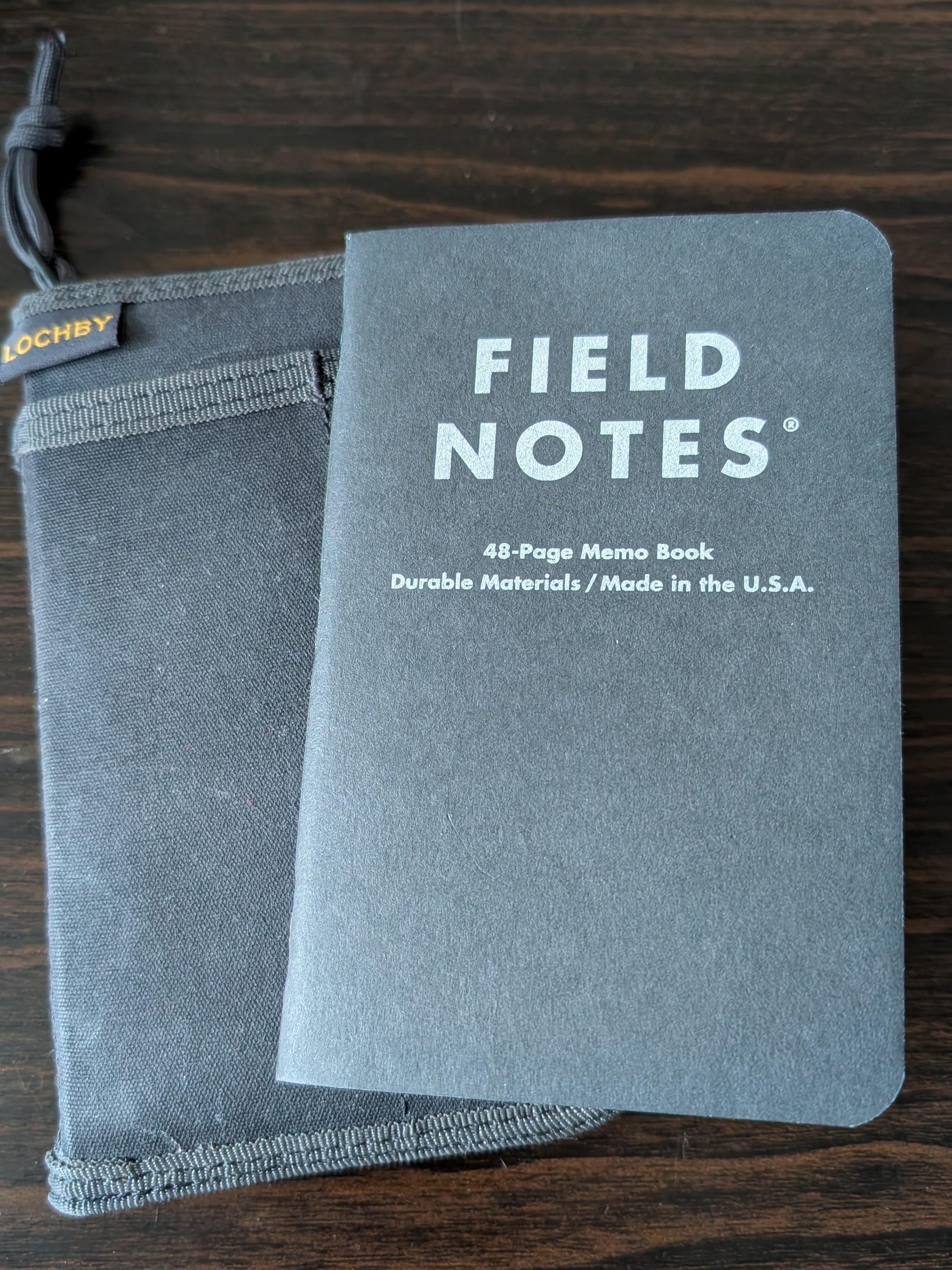
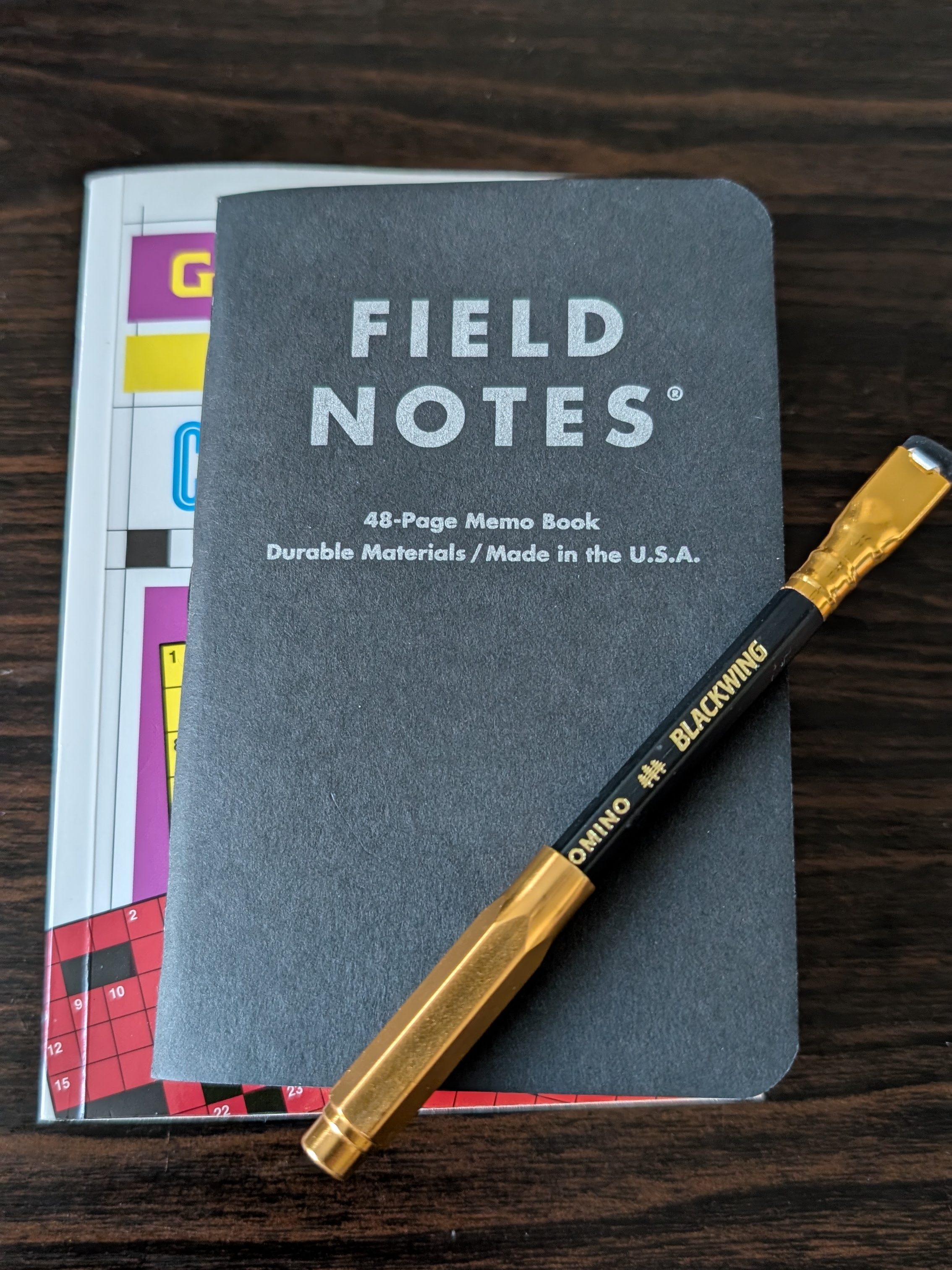
Another big advantage is that I can truly make these puzzles pocket-sized. The picture above, I believe, speaks for itself in terms of size difference. The Field Notes will easily fit into my Lochby wallet as shown. The “pocket” crosswords book itself, however, not so much.
A different advantage is the lower cost than buying a book of already-printed puzzles, although this largely varies. It does feel sensible and frugal for me considering I already had everything I needed. Because of that, this gave me a fun project to work on, which itself is another advantage.
The Greatest Advantage of All?
This analog entertainment center gives me something to do if I’m idle somewhere besides taking out my phone and scrolling. Whether I’m waiting for an oil change, doctor’s appointment, jury duty, or anything else, I can keep myself occupied in a meaningful way, no batteries or algorithms required.
What Would You Put On Your “Analog Game Boy”?
What do you tend to do if you are waiting somewhere? Do you simply look for something to do on your phone, or do you try to stay occupied in a different way? Does the idea of carrying this sort of paper-based entertainment sound appealing to you as an alternative to phone use? If you decided to build this sort of project as well, what types of puzzles would you want to include in yours? Feel free to drop a comment below.


One response to “I Made an “Analog Game Boy” to Avoid Phone Scrolling”
This is a fun idea! I keep a pocket notebook on and off, but never thought of printing out a crossword or similar to keep in there as well.
LikeLiked by 1 person