
Full disclosure here: This is one of the hardest posts I’ve ever had to write for my site, period.
11 months ago, I decided to try Fabric.so sometime after someone from their site reached out to me and asked if I was interested in it. I was then compensated with a free one-year pro subscription in exchange for checking it out, and I do have affiliate links included in this post for anyone who does think the app sounds legitimately useful or helpful, so I’m making that 100% clear. Nobody told me what to say; these are my genuine thoughts.
I also wanted to be sure that I had an in-depth experience using the software before writing about it. I didn’t want to skim surface level features over the course of an hour or weekend, do a quick write-up of my experience, and call it a day. That’s not me.
Furthermore, I had to write and rewrite this deep-dive into Fabric multiple times. Initially, I looked at the Fabric site for myself, saw last year’s branding, and (erroneously) assumed that this was an also-ran trying to compete with Notion for the note-taking throne.
Soon, I realized I was entirely wrong. In fact, the more I looked into Fabric, the more I started to appreciate what I found.
What Exactly Is Fabric?
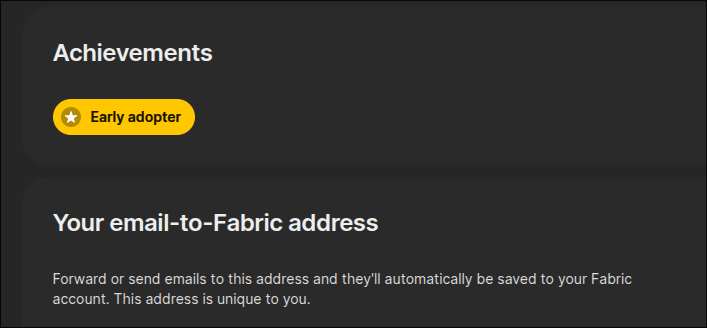
Fabric is doing a far better job as of late clarifying that the service is a cloud with AI-powered elements baked-in. For the people who are vocal about how much they hate AI being included into seemingly everything, I may not be able to change minds on that front. I’m someone who appreciates AI myself. That said, I find that Fabric’s implementation is perfectly sensible.
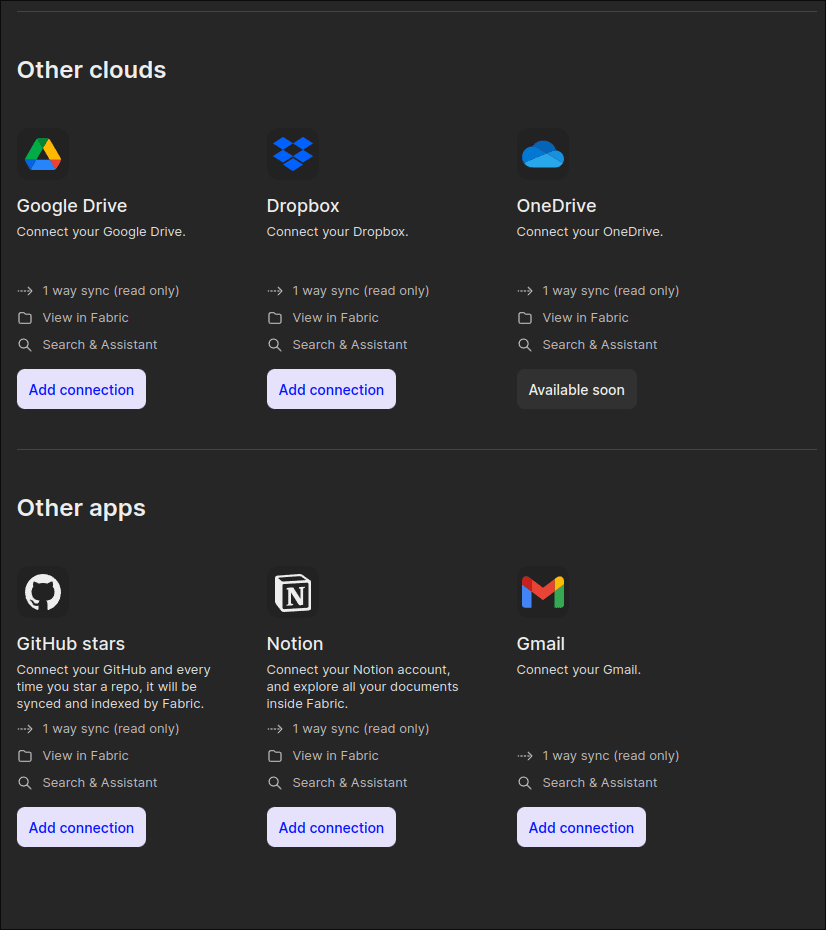
Fabric is essentially a storage cloud much like Dropbox, Google Drive, and the like. It is also quite good at holding links and bookmarks much like your browser bookmarks, Pocket, Raindrop, and others. However, it can connect to many of those services, making Fabric more like a sophisticated Swiss army knife. While you may be loyal to your one service of choice, this is extremely useful for people compartmentalize between home and work. I easily add personal files, folders, and notes while syncing with services I typically use at work, like Notion, Gmail, and Google Drive in this case.
Speaking of work, that’s an entire other can of worms, as I initially had to deal with Fabric being blocked on workplace firewalls for being small and relatively unknown. After a support ticket process that lasted a while, I was able to clear up access to it and finally access it through company wifi on my M1 MacBook Air workstation, and that definitely added to Fabric’s potential usefulness. Once Fabric was unblocked, it was much easier to use it for my workplace than my own personal Nextcloud, which is still blocked because I have a personal domain set up with it.
Initial Setup
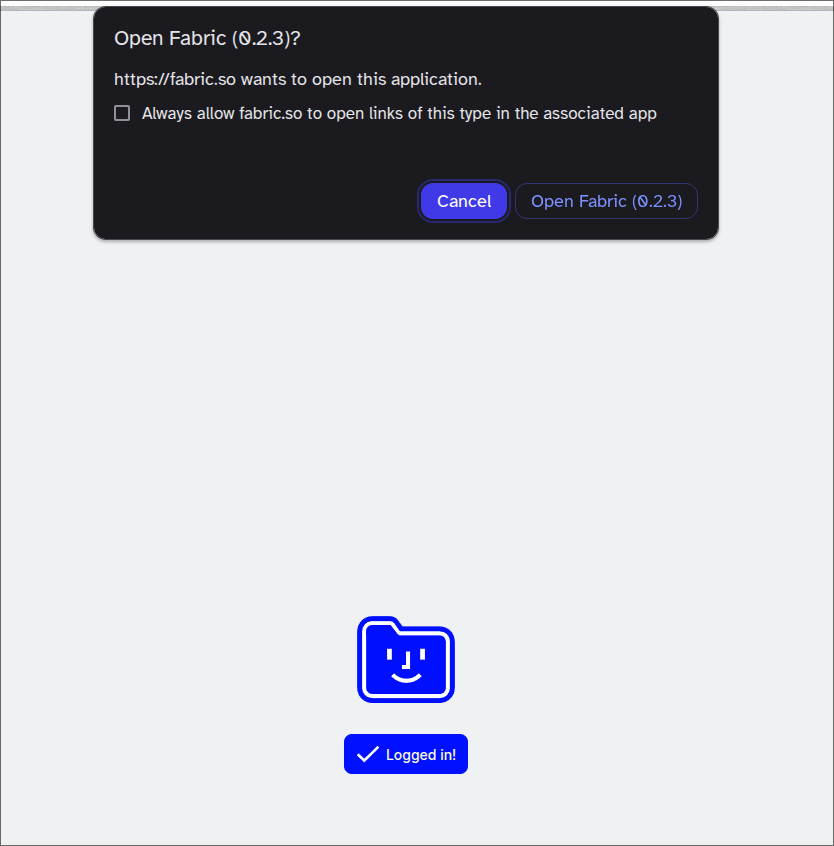
Speaking of devices, I was also pleasantly surprised on my end to see that Fabric supported an Appimage install almost right off the bat. As a result, I had no issues installing it on Arch. I love seeing these services and companies offer genuine support for Linux users instead of hoping users in the community will do it on their own. As a result, I was able to install Fabric easily on:
- Arch Linux
- openSUSE
- macOS
- Android
I didn’t install it on the iPad my girlfriend and I share, as that device occupies a totally different niche in our home. Furthermore, I didn’t bother to install it on my neglected and increasingly useless Windows 11 partition.
Regardless, considering that Linux packages are usually more difficult to install by comparison (and that’s barely considering these are Appimages we’re talking about), the install experience should be smooth and painless on the likes of iOS, iPadOS, or Windows. In addition to the apps, browser extensions are also available for users to easily save pages or snippets directly from the browser, streamlining the process. I gave these a test just to be sure they worked, and they did the job just fine.
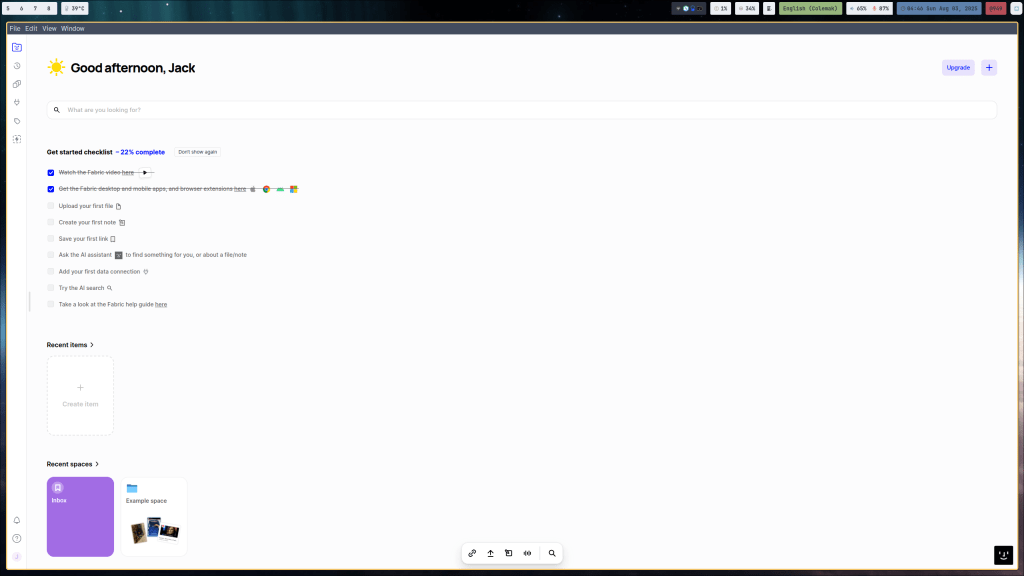
After installing the Fabric app itself, I was then greeted with options to setup a few services and apps. Wanting to really make use of Fabric for work, I went with my Google account from my workplace (Gmail and Drive specifically) as well as my company’s Notion account.
The Other Features
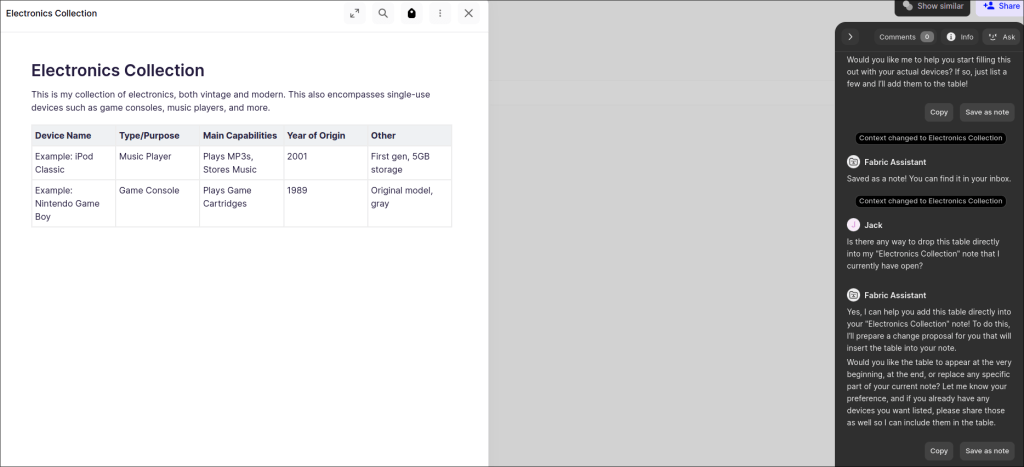
Fabric, as I mentioned, is excellent at being a catch-all. In fact, thanks to its ease of saving bookmarks, I’ve since attempted to use it to replace Omnivore as a read-it-later app (more on that in a bit). Having the baked-in AI features makes this even better, as I can use it to help break down and summarize saved pages, automatically rename pages (in case I want to), and tailor it to my own workflow. In the “Customize your AI” menu, there’s an AI profile that lets you select how you plan to use Fabric and for what purposes specifically. One of the more powerful features, one that I already liked in other read-it-later services, is the “Recap” feature, allowing AI to periodically recap everything saved or captured, then show it to the user as a helpful summary.
Speaking of the AI in general, that’s not where this ends either. Should you need help with something in Fabric, there’s a sidebar where you can easily access the AI, select one of many LLMs, and ask it for help or feedback. If anyone has ever used Notion’s AI, this is extremely similar to that, right down to being able to ask it to generate or modify notes.
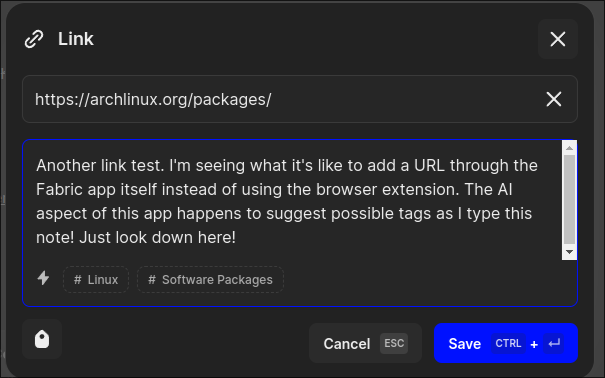
But aside from the AI, Fabric lets users save links, snippets, and notes into “spaces,” which essentially act as folders. Users can create and name these spaces in a way that makes most sense. If I really wanted, I could recreate my numeric Zettelkasten-like setup, Tiago Forte’s PARA setup, or a Johnny Decimal setup. Whatever works, it’s doable here.
Honestly, this is a small part of why I’ve struggled to really write a post about Fabric, because it feels like it’s capable of so much. I never want to feel like I overlooked one great feature here or there, so it has taken me considerable time to finally get around to this.
How I Used Fabric On and Off
This is another reason I’ve taken so long to finally write about Fabric, as I’ve had many months to really use it, but aside from my workplace taking ages to whitelist it, I haven’t had much to do with it, as my particular workflow doesn’t work the best for it.
I suppose I can mention I really appreciate how Fabric lets me, should I want to, have everything within reach. If I want to search through my work email or Google Drive accounts, I can easily do so within Fabric. The AI can let me contextualize it and give me suggestions or feedback if I ever ask for it as well. I can also sync my workplace Notion notes to it, although I do have to say this is a bit limited at this time.
Speaking of the AI, there are LLMs you can easily access within Fabric. From there, you can ask quick questions or requests from the AI itself much like Notion’s built-in AI. However, unlike Notion, Fabric allows for users to select multiple LLMs. If you never cared for the GPT model, for instance, you could easily pick something else from the drop-down menu and ask away. If you don’t need to use it, you can easily ignore it. If you do like using it, there is a credit system (it replenishes regularly) because access to good AI isn’t a free, infinite resource, understandably.
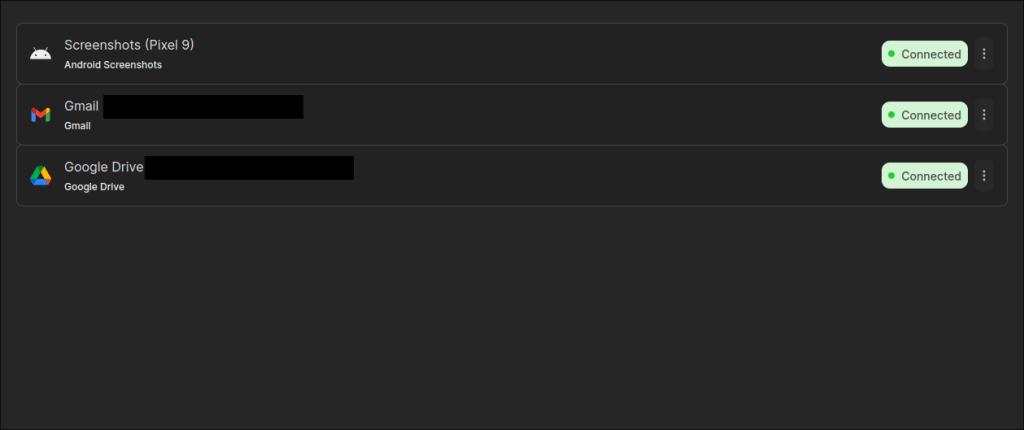
The Notion syncing isn’t as straightforward as it looks. You would expect to simply link it and watch all of your Notion notes pop up into it. That would be ideal.
However, it only syncs what you have on Notion so far. If you add any notes later down the line to Notion, they won’t automatically appear until the next manual sync. I’m not sure if this is an inherent limitation of Notion and/or Fabric. I wouldn’t mind so much except that I do collaborate with colleagues on Notion every now and then, so I’d have to know when changes were made to our shared pages and sync those manually. Maybe this will change in the future? I can’t say for certain. Still, at this time, I do appreciate having my Notion notes set up this way at all. It makes everything searchable from within Fabric amongst my other notes, snippets, and more.
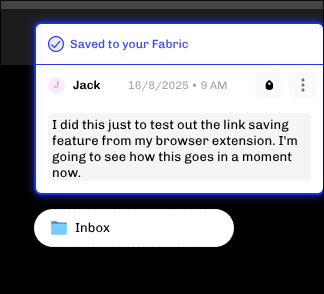
Another way I tried to use Fabric includes how I can save links with it, making it a great replacement for any read later app that isn’t quite cutting it. Coupled with the browser extension, I did take a liking to using it this way for a short while.
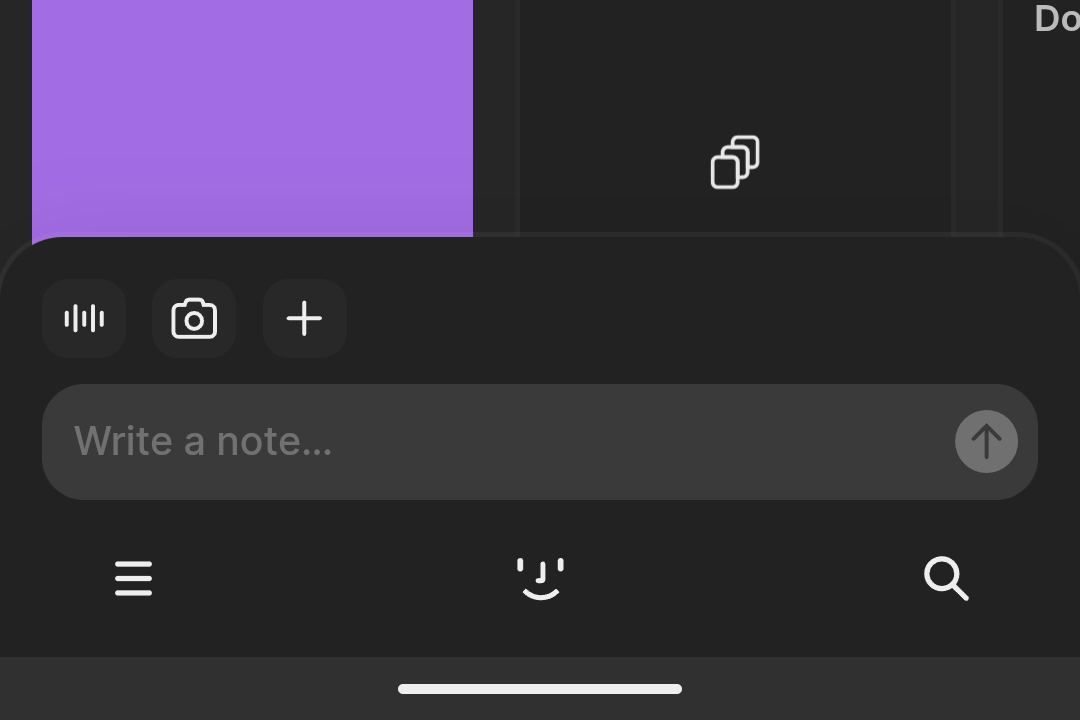
But my favorite feature of Fabric is something unexpected. Upon opening the Android version of Fabric, I can immediately add a new note wherever I am using the toolbar at the bottom of the screen. When I combine this with my Clicks for Pixel 9, it makes for a quick, digital note with that much less friction. It’s as easy as tapping the Plus and selecting “Note” to start typing something.
Current Drawbacks
Going with the aforementioned note about Notion sync, I do admit that Fabric has a few weak points here and there. Going back to Notion, I noticed that I can sync a main note, but the pages within it won’t sync automatically. It was annoying the first time when I tried this, opened the main note, clicked on the page within, and it took me right back to the overview of my synced Notion notes. Maybe this will be addressed in the future, although there is a chance this is simply a limitation of Notion itself in terms of how other apps are allowed to work with it. I wouldn’t be surprised if this was completely beyond the control of the Fabric team.
Furthermore, I haven’t found it the easiest thing in the world to reliably sync my screenshots from my phone over to my Fabric account. If you were expecting something as simple as Dropbox or Nextcloud, Fabric doesn’t quite do that with automatic uploads, and I couldn’t really find much, if anything, in the settings to configure that. Still, with a good amount of storage available on Fabric, I’ve taken to manually backing up my Nextcloud directory from my Arch system over to the Fabric shared file folder, adding a redundancy that still makes its added storage extremely convenient. Granted, I did this manually when I remembered, and I may not do it much longer because my Pro subscription will expire next month.
Another small drawback I’ve come across deals largely with launching the main desktop app on macOS. It has this odd-feeling behavior of trying to stay on top on multiple workspaces. I have it set up to launch on startup, but more often than not, I find it a bit awkward and tend to just close the window after it appears, opting to only bring it up when I deliberately want to use it.
Another drawback I did notice lately was that the browser extension started to misbehave on my Brave setup, specifically on Bing search results (I started farming the rewards points recently). I started to see my search results look corrupted and strange, with my images from Fabric all appearing superimposed over my search results.
I’m still troubleshooting this, but the extension works perfectly on my trusted DuckDuckGo, granted I loaded Google Search for the first time in ages to see the same issue reappear. Clearing my cache didn’t work like I thought it would, but this only seems to affect my Arch version of Brave, and maybe I’ll find a fix for this soon on my end.
Active Updates are a Nice Bonus
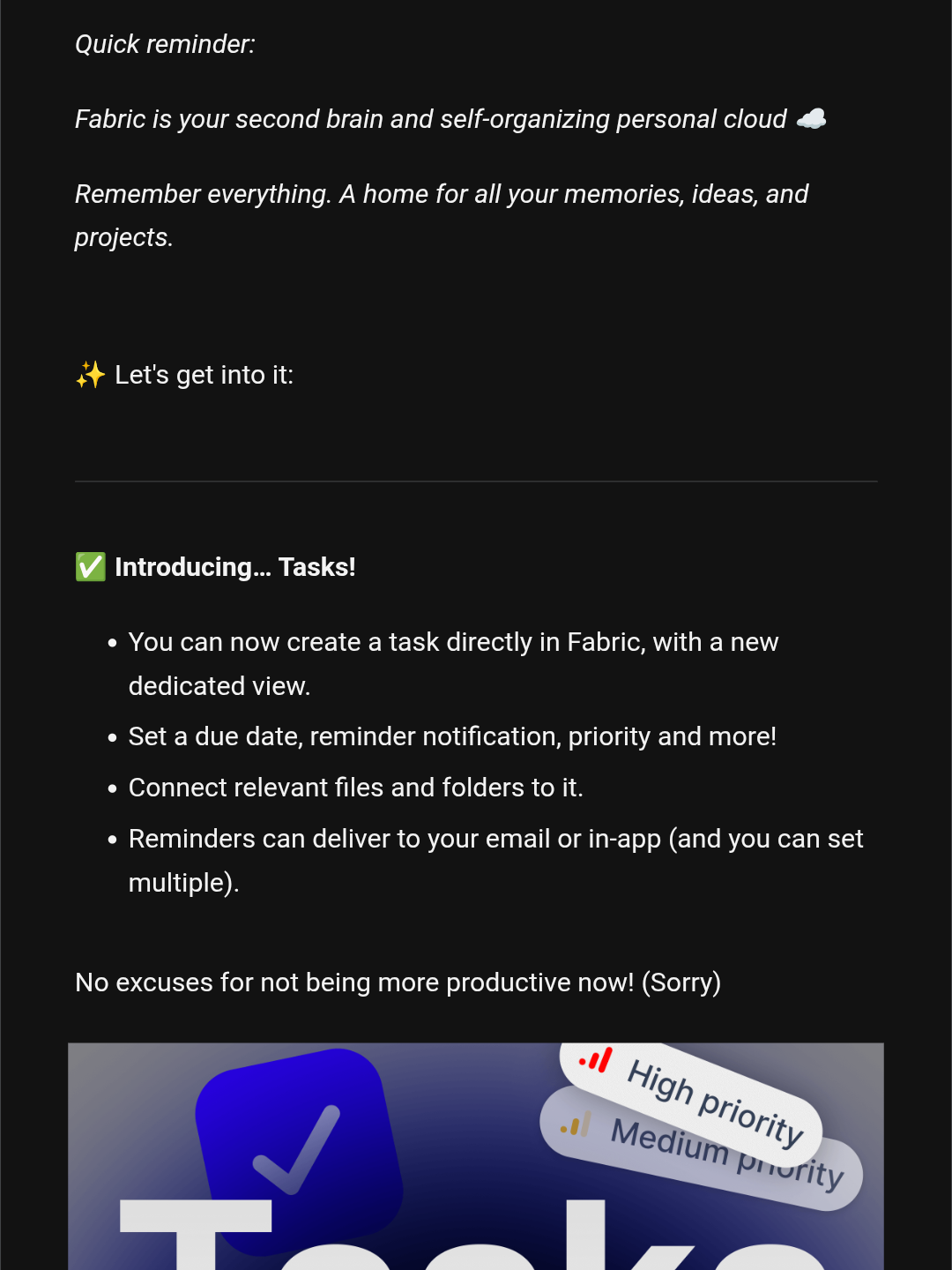
Fabric is actively being developed as of the time I write this, and I still occasionally get update emails on whatever new features have been added to it. Just a few months ago, I got another update email from Johnny, the founder of Fabric, on how Fabric Canvas was added, which supports something akin to mind mapping. If you’ve ever used Scapple from the developers of Scrivener, Fabric Canvas looks a lot like that, but with more elements to manipulate.
Before that, Fabric added support for tasks and to-dos. Considering I had dropped bullet journaling for a while, this might have been an option worth using.
Aside from that, I think the reason Fabric has seemed appealing to me for so long (despite how I don’t use all of its features) is that its development reminds me a lot of Vivaldi Browser. Both came from seemingly nowhere at the start, both are passion projects, and both offer a plethora of features while allowing you to selectively use only what you want.
Overall Verdict

I have attempted to really get more use out of Fabric for the past 11 months, and I do recognize that its excellence. In fact, I recognize that it is a truly ambitious app and service that fills me with admiration.
However, it pains me to admit that Fabric largely isn’t for me not because anything is wrong with it, but mostly because I can’t really find the best ways to use it for my personal workflow in general.
- I could use Fabric for personal notes, but I already use Obsidian for that.
- I could use Fabric for work notes, but it doesn’t play 100% nicely with my workplace Notion account.
- I could use Fabric for cloud storage, but I already use Nextcloud and Syncthing on my homelab server.
- I could use Fabric for AI assistance, but I already have a ChatGPT Plus subscription.
- I could use Fabric for tracking tasks, but I quietly started bullet journaling again recently.
I do recognize how useful it is for whoever uses some (or all) of these features. I would go as far as saying it Fabric.so is an incredible value for anyone who likes the sound of:
- Having one app to rule them all for files, links, and storage.
- Adding notes and tasks easily from mobile and desktop.
- Having access to AI only where it makes sense to help with files and organization.
- Active development from an unwavering, passionate founder who genuinely believes in his project and constantly wants to add new, useful features.
- Using an app that works with you instead of forcing you into a different workflow.
I genuinely appreciate the opportunity the Fabric team shared with me and would like to thank Fabric.so for reaching out in the first place last year. That said, if you like the sound of Fabric, feel free to check it out!
What do you think of Fabric.so in particular? Did you find the service intriguing or worth checking out? Or do you think you would rather pass on it? Why or why not? If you love Fabric, what do you use it for in particular? If you’re not interested, what apps or services do you prefer instead? Were there other features I could have talked more about from Fabric that I somehow missed?
Whatever you think of the service, feel free to leave a comment below. I’d love to know what you have to say.


One response to “Fabric.so Is Amazing, But It’s Not For Me”
Thanks for sharing! Quite a deep dive it was…
LikeLike