

Welcome back to the Sudo Science Book Club! In this series of posts, I take a closer look at noteworthy books (usually self-improvement) and break down what I’ve learned and implemented from them. For the previous (and first) post in this budding series, take a look at when I joined the 5 AM Club.
Although it’s not fresh on my mind right now, I did read Building A Second Brain by Tiago Forte sometime last year. However, I suppose there was a main draw toward the book for me from the beginning. As somebody who has bullet journaled for a few years, I did hear about building a second brain in passing repeatedly, and the idea fascinated me more than once. How awesome would it be if I could always remember anything I needed to know by adding and moving things around in my very own second brain? Or better yet, what if I could connect the ideas within it to spawn amazing, new concepts?
Still, I hadn’t committed to learning how to get started with such a thing, although I did hear that Obsidian is a great piece of software for making one. In the times I had seen or tried Obsidian, I had neither figured out the software nor known how exactly to organize a second brain. Not knowing either answer led to inaction on my part.
I’m still happy with my bullet journal and all, sure, but I saw some practical appeal and utility in having a second brain do things that my bullet journal wasn’t always best-equipped to handle. It got to the point where I meticulously compared the two together to reduce redundancy and see what would work best for me.
Eventually, when browsing books on my e-book reader (not a Kindle, don’t worry), I saw Building A Second Brain was newly-released on the digital storefront, so I decided to put down some money and see what it was all about. It was either while I read or shortly after finishing that I got started making my own second brain from scratch.
PARA and CODE: 2 Things You Need to Know

While I was impressed with BASB as a whole, it did seem a bit longer than it needed to be. I felt like it could have easily been condensed a bit more but included some padding here and there to justify selling a book in the first place.
However, I still got some enjoyment out of my read overall, especially as I learned about famous people who either had second brains or implemented something akin to one before the concept was a thing. For example, Francis Ford Coppola was cited for creating something similar to a second brain when he was directing The Godfather. Another example included Taylor Swift usually pulling out her phone on the go to open the notes app and save her fleeting thoughts and inspiration for music.
The hardest part for me was getting started making a second brain. Thankfully, there’s a method that makes it achievable no matter what app or platform you’re using. I and many others use Obsidian, quite a good number of people use Notion, but there are so many other apps that could serve extremely well as a second brain. You could use the Apple Notes app if you happen to carry an iPhone or use Apple’s ecosystem, or, in my passing observation a while back, you could seriously use something as simple as the BlackBerry OS 10 Notes app on a BlackBerry Passport as a second brain.
Once you’ve decided on a platform of choice, the next major step is implementing PARA, which stands for the following:
P is for Projects
This is for ongoing projects that you happen to be working on. Keep in mind that projects have a definitive end-point in mind and will not go on forever. Whatever you place here has to be something you know will end eventually. Some good examples of Projects might include:
- Notes for planning and writing a novel
- Vocabulary and sentences from learning a language
- Planning a vacation itinerary and budget
A is for Area
This is similar to projects but with one major difference: These do not end. If you’re tracking it here, it makes no sense to stop it. Things to keep track of in Area could include the following examples:
- Financial planning
- Self-improvement endeavors and trackers
- General health and exercise tracking
I mean, I supposed you could stop exercising or taking care of yourself, but why would somebody want to do that? If it feels like something to track permanently, put it under Area.
R is for Reference
This isn’t really for anything actionable like Projects or Area, but things you may want to reference or return to later. Maybe you figured something difficult out and made a note of it for your future self in case you forgot the steps. Or perhaps you can fill it with things that inspire you and make you think. Examples of things I put into my reference include:
- Book lists and notes
- Linux troubleshooting notes (for my future self)
- Inspirational quotes or interesting articles
A is for Archive
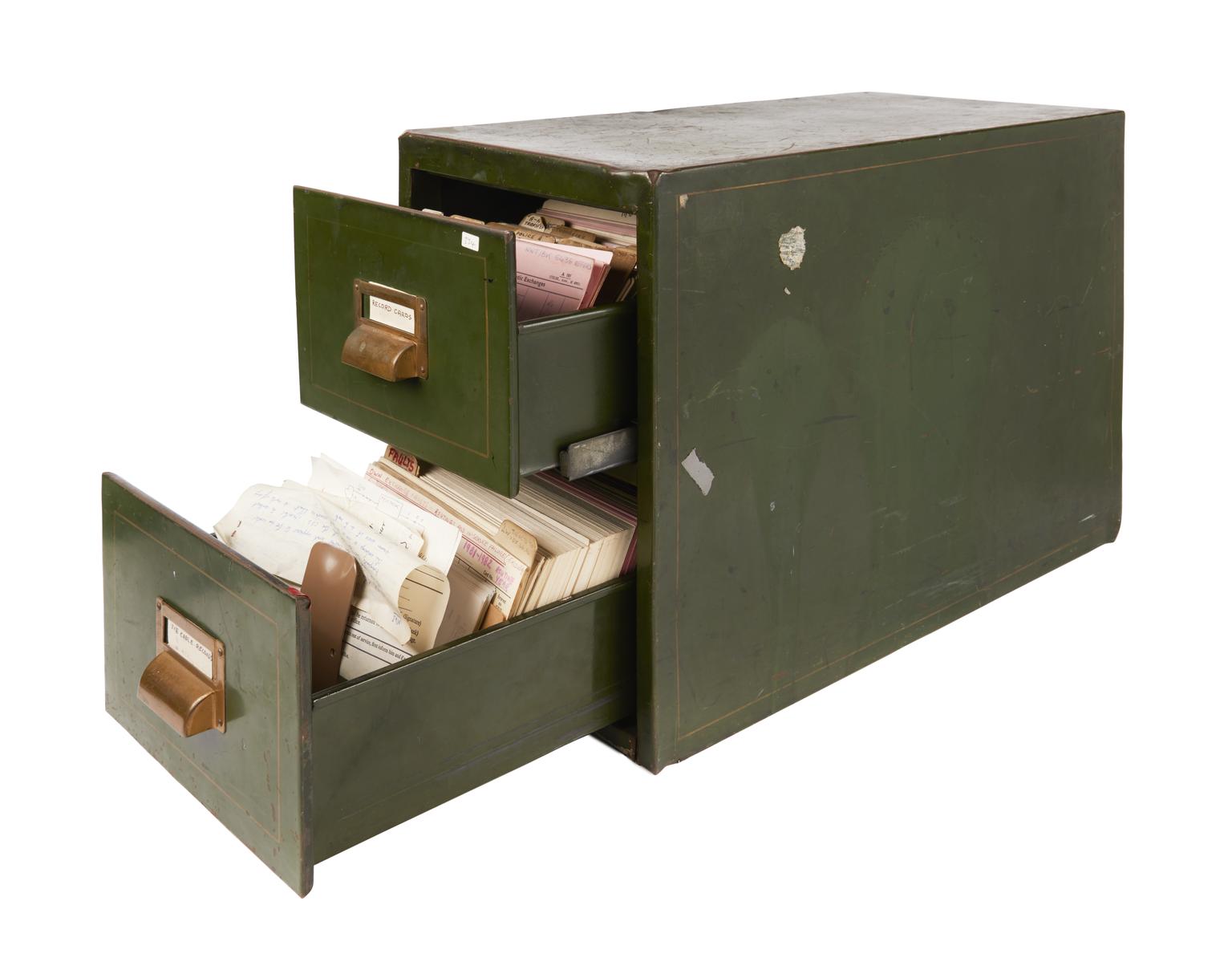
This is where a digital platform shines as opposed to writing on paper. Eventually, the things you write down may become irrelevant and need to be put away. However, so many of us (myself included) have that nagging feeling of, “What if I need it later?”
Forte shares an interesting story about the concept of archiving when he was working a job restoring computers for people. When users had jumbles of unorganized files, he would throw them into a catchall folder and title it “Archive,” simply choosing to let them decide if or whenever they wanted to go back to those files. I had tried something similar when my girlfriend wanted help sifting through files on her MacBook last year, and she had zero issues with me putting all of her unsorted files into an “Archive” folder.
Just like Forte’s anecdote suggests, you can throw anything no longer relevant to your interests or needs into the Archive folder. Did you finish a project? Toss it in there. Have a better list of inspirational quotes than the last one? Put the old one in. Did you start an entire new financial plan? Toss the old plan. Of course, you don’t truly lose anything; you can easily use your app’s built-in search to come back to anything in here should you ever need it. I feel like this aspect of a second brain kills of that fear of deleting something that could be useful later, which makes it truly useful.
A Bit Beyond PARA
I go a bit beyond the book here with a couple of other concepts I came up with. Well, one of them was mentioned in the book, but it was so briefly discussed compared to the rest of PARA that it seems easy to overlook it.
A “Start Here” Section
I like to think of this as the “meta” section of my second brain. In short, I have a table of contents that lets me navigate easily through clicking around, a README for future reference on how to use the second brain (should I ever forget), and reminders of other things I can do with my second brain. For instance, I have an entire document detailing my favorite Vim-like shortcuts in Obsidian in this section of my own second brain.
In short, if it feels like something that can help you with using your second brain, I would recommend using a Start Here.
The Inbox

This was mentioned in BASB as a temporary catchall for any notes you get. Essentially, stopping to think about where to create a potential note creates unnecessary friction and can cause you to use your second brain less. This was a concern on my mind as I read the book, so I was relieved to see this accounted for.
Of course, what makes this different from the other sections is how this is only a temporary folder. When something is thrown into your Inbox, you’re typically going to come back and sort it where it rightfully belongs. I find the inbox is such an invaluable tool to really make a second brain work.
A quick tip I have to organize the above is to title each folder according to PARA, but then put numbers at the beginning of each folder. 0 for Start Here, 1 for Projects, 2 for Area, and so on. This way, the order never changes if you have everything sort alphabetically by default.
Now I Know PARA! What Next?
BASB explores an interesting idea that might benefit some people more than others: CODE and the concept of an Int Pack. Just like PARA, CODE is another acronym, although it deals primarily with what to do with annotated and detailed notes made from saved articles and the like. The CODE system comes in serious handy if you save a ton of articles and need a good way to come back and make them useful.
Capture
This may be the simplest step of the whole thing. In short, take notes of things that resonate with you in some way. You can do this through copying and pasting into your app of choice, although some note-taking apps such as Notion have workflows and integrations into other external apps (via IFTTT) that can make this smoother.
Organize
Have a good way to properly organize and sort all of your notes in a way that makes them easier to come back to later. For a great way to get started with organizing your new notes, I would take a glance at the aforementioned PARA.
Distill
This is where the magic really happens. According to the book by Forte, there are layers to distilling notes and focusing on their most useful, concise parts without all of the extraneous details. They are as follows:
| Tier of Distillation | Action |
|---|---|
| First Layer | Paragraph Snipping |
| Second Layer | Bolding Sentences |
| Third Layer | Highlighter |
| Fourth Layer | Keypoint Summary |
The first layer is to isolate the most useful paragraphs and chunks of text. Pick paragraphs that have the most important information you want to focus on. If it’s a paragraph that only serves to set things up or add commentary, you can probably skip over it.
Once you have your chosen text saved, the next step to distill is to start putting important text from the saved chunks in bold. This helps it stand out a bit more, although I find that bold text sometimes may not stand out enough depending on what app and font settings you’re using.
Still, considering that the next step is to highlight, which will look much more obvious than bold text, I suppose that’s the point. In short, go to the bold text and highlight the most important parts next. The key is to think carefully about what matters most, what you really need to know and fixate on.
The final step is to take the highlights and create your own key point summary, which I recommend putting at the top of the saved note in a call out box. You can put some bullet points inside of it and paraphrase the highlighted bits into a short list that summarizes everything in the most succinct and useful way possible. The best part of this is coming back to the notes you’ve distilled and finding a convenient summary of the main points at the top! No need to spend precious time rereading the whole note all over again if you don’t need to.
Express
The last part of CODE is to express, as in making the notes usable again in the future or perhaps even sharing it with others. In short, if you can drop others into your notes and they can easily understand what you’ve summarized and created, you have a shareable note. Whether you would like to share the notes at all is something I’ll leave up to your discretion, but it’s still nice if notes are legible and cohesive.
There are tools to make sharing easier. For instance, Obsidian has a core plugin that allows for publishing. The likes of Notion and other similar apps likely allows for easy sharing of notes and ideas.
Of course, I’m still not done. Once we’ve mastered both PARA and CODE, we can make use of Intermittent Packs.
What’s an Intermittent Pack?

Forte establishes the idea of an Intermittent Pack (or “Int Pack” as I call them within my own second brain) being a note that is reusable and has added utility to it. For instance, if you saved a note into a proper part of your second brain and made it as useful as possible with CODE, you can turn reusable results into intermittent packs.
The main appeal behind the Intermittent Pack is to streamline your workflow with your notes wherever and whenever possible. If you have a series of actions or steps you usually take and feel like you have to relearn or lookup over and over each time, having an Intermittent Pack can save a ton of precious, valuable time in taking action and getting the job done.
Think of Intermittent Packs as tools from the toolbox that is your second brain. You can always come back to reuse your tools in the future.
How I’ve Used the BASB Approach Since Then
Obviously, I’m still using my second brain smoothly and as originally intended, right?
It’s a bit complicated for me.
See, when I first got my own second brain running, I found it too irresistible to save as much as possible without really thinking about if it resonated with me. I saved a mountain of notes that I never had any intention of ever returning to, and that led to me, at some point, not using my second brain at all.
Additionally, I took less time to save notes into Obsidian to work on distilling, which has led to some form of me not really getting the most out of my second brain experience. At first, I did this process quite often, but eventually, I found myself not really returning to some of the notes I saved to even look up their valuable bits of information. If I thought something was extremely useful at first, I would go through the motions of distilling it, but then what was the point if I never came back to read it?
I also heard a lot in passing about using a second brain from people who claimed it was great for “linking your thinking.” I got rather zealous about this as well, but now I find myself linking thinking together so infrequently that it doesn’t really excite me anymore.
As I wrote through this, I have thought about why I even have a second brain, and despite my decline in its “intended” use, I still derive the most meaningful use from it when I track big projects or transfer notes from my paper notebooks.
Still, although I was getting back into the hang of using my second brain and following my own advice on how to best balance it with a bullet journal, I think my somewhat recent decision to start carrying a pocket notebook has complicated matters. Now that I have a third tool to capture and recall information, how do the duties of my bullet journal and second brain change to reflect this? It’s still something I need to think over carefully.
That’s Not All
As I’ve thought this whole matter of having a second brain over, I’ve thought about something that has been on my mind for a while, but I think I’ll save that for an upcoming post.
In the meantime, do you have a second brain of your own? How do you use it? If not, have you considered making one of your own? What use would you try to get out of it? I’d love to hear from you.
 Sudo Science
5 responses to “How I Started Building A Second Brain”
[…] like I’ll have to look at the notes more than once anyway, which is part of the reason behind building a second brain in the first place. Only then will I be able to apply Tiago Forte’s methodology of PARA and […]
LikeLike
[…] creative ideas ready to reference. I’ve been experimenting with working Zettelkasten into Tiago Forte’s PARA and CODE system. (I might write about how that’s working out […]
LikeLike
[…] won’t go on at length about PARA, Tiago Forte’s organization system, here, as I’ve already discussed it when I talking about how I first built my second brain. However, there seems to be a misconception […]
LikeLike
[…] log any fleeting ideas, should they strike me, anywhere I am, whether it’s in my Second Brain or my pocket notebook in my […]
LikeLike
[…] came to realize it over time, but everything only culminated recently. I first read Tiago Forte’s BASB book back in the summer of 2022 when it was a new release. Prior to that point, I had been mystified by the idea of having my own […]
LikeLike