
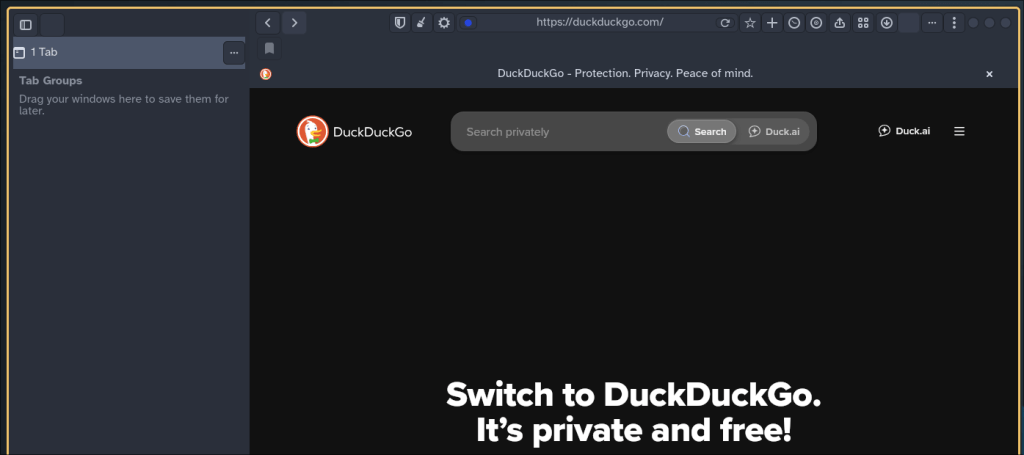
I’ll admit that I tried the original Orion Browser a very long time ago when I read about it somewhere (I forget where exactly) on macOS back when it was still called OS X.
In short, Orion Browser is supposed to be a WebKit-based browser from Kagi, a search engine, that has a lot of bells and whistles under the hood, including tracker blocking, support for both Firefox and Chrome extensions, and zero telemetry overall. I thought it was a nice browser back in the day. I gave it a fair shake a few times and used it for casual browsing on what is now my Mac mini server. Still, I eventually found myself missing Vivaldi too much and switched back before I knew it.
The company behind Orion is Kagi, a paid search engine that uses income to keep telemetry and other invasive practices out of their services and products. While I do have my opinions on Kagi as a search engine, I only bring this up because they’re at least upfront about this practice. That, and they offer a plus service on Orion itself for added features and perks.
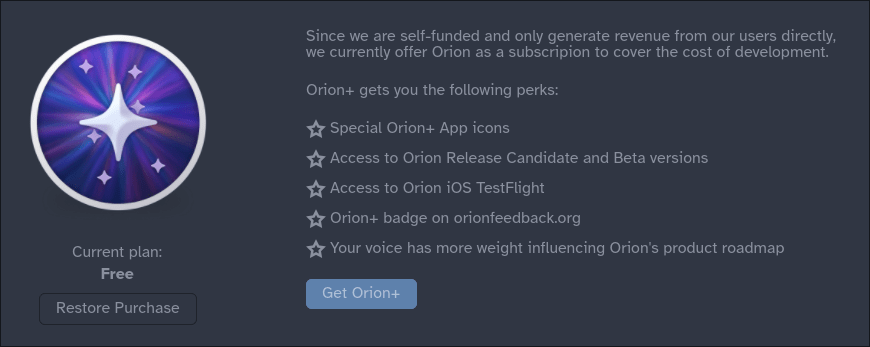
I had gotten the email just a few days ago about how Kagi launched the beta build of Orion on Linux recently, so I decided to give it a spin.
Installing Orion on Linux
The only download link I could find for the browser was in the newsletter itself, so I just used that to get the flatpak downloaded. (In case anyone was wondering, I was signed up for the newsletter thanks to my time trying out Kagi’s search.) From there, I went into terminal and typed the following:
flatpak install Downloads/oriongtk.earlybeta.1.flatpak
Yeah, installing a flatpak from a download file is certainly not something I’m used to, but I mention this because searching via CLI on flatpak, as of the time I write this, will yield no relevant results for the browser.
I know I could easily post the link for everyone to download, but considering this isn’t easily found at this time, I don’t think it makes sense for me to do that. Kagi clearly released this early beta build for gathering overall feedback and testing purposes.
Speaking of which, the browser comes with a major caveat right now: this is definitely early beta software, as you may be able to tell by the file name.
Initial Impressions
As a Linux user, beta software doesn’t really scare me. I expect things to be broken here or there because it’s still in development and all. Additionally, this build is equally honest about how it’s not ready for prime time just yet.

I started to use it for a few hours, expecting bugs and maybe glitching. But yes, this is definitely beta software at this time. I would strongly be interested in seeing what results from this once the project is further along, although menus feel a little clunky, the defaults for tabbed browsing were confusing (it gave me the impression at first that “Standard” tabs was the vertical tab stack), and visiting this very site yielded a bizarre bug for me where it tries to download several files in pop-up file browser boxes.
So while having this browser installed on my Arch Linux system is neat at this time, this is clearly not a daily driver just yet. It’s a promising early preview, and Kagi is hard at work using feedback to improve the project.
Current Thoughts
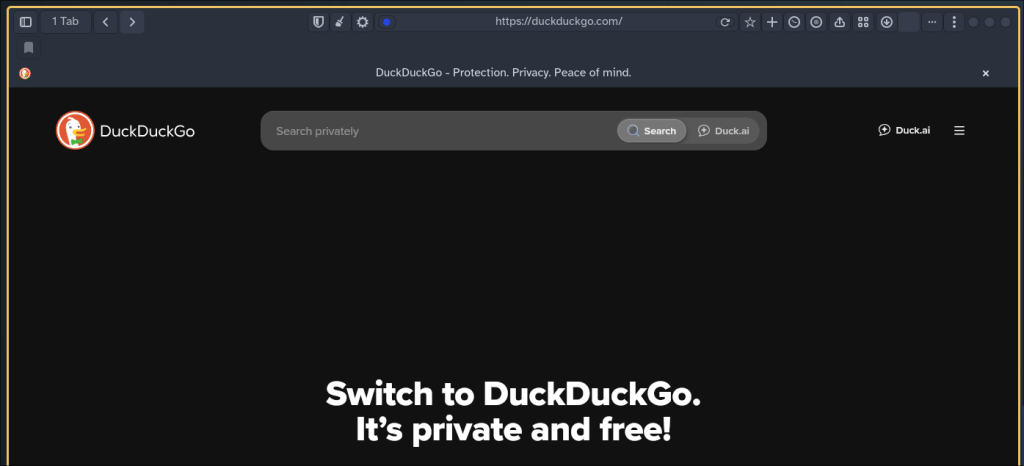
I look forward to seeing where Orion Browser goes from here, if anything because it’s a WebKit-based browser in a world dominated by Chromium (and to a lesser extent, Gecko)-based browsers. That, and the subscription goes to a smaller company trying to stay alive in a world where Chromium has conquered the web while Firefox is withering away and dying.
But speaking of both, the appeal of installing either Chrome or Firefox extensions in the same browser has always sounded like a tremendous idea. Since I’m not enough of a masochist to actually use Safari on any of my Apple devices, I do look at this browser with a bit of a cautious optimism to see where the project goes, especially since Orion is a decent option that has been exclusive to Apple until now.
Have you ever used Orion Browser on macOS? Did you feel like trying this beta now, or would you rather wait and see where the project goes from here? If not, what browser do you prefer and why? Feel free to drop a comment below.
 Sudo Science