
Disclaimer: Just like last time, this is still not a paid promotion. I originally paid for the Clicks keyboard in this review out of my own pocket. Same with the other things I mention throughout like the Speck case I was using or the Popsocket accessory I brought up. Thus, I can be as critical and honest about any of the products as I like. I hope you enjoy.
I’ll be frank: I rewrote this multiple times because I wasn’t 100% sure what I was originally going to say, especially as my situation kept changing. In fact, at some point, this was originally going to be me saying goodbye to my Clicks and reflecting on the seven months that I used it.
For about two weeks, I stopped using my Clicks keyboard for a few reasons. While some reasons were more like minor annoyances that compounded, I experienced a deal-breaker that caused me to slip the case from my Pixel 9 and swap it with a more mundane case from Speck for a short while.
It was always nice having a physical keyboard that worked well enough (more on that), and it was a pretty interesting conversation starter as well. Still, after a week lapsed, I thought I might have been finally finished using the Clicks in general.
Much of what I said in my previous overall review and first impressions of the Clicks for Pixel 9 still stands, but now that I’ve been without the case for a good amount of time, I reconsidered everything after typing on a glass screen for a long time.
My Experience Since May
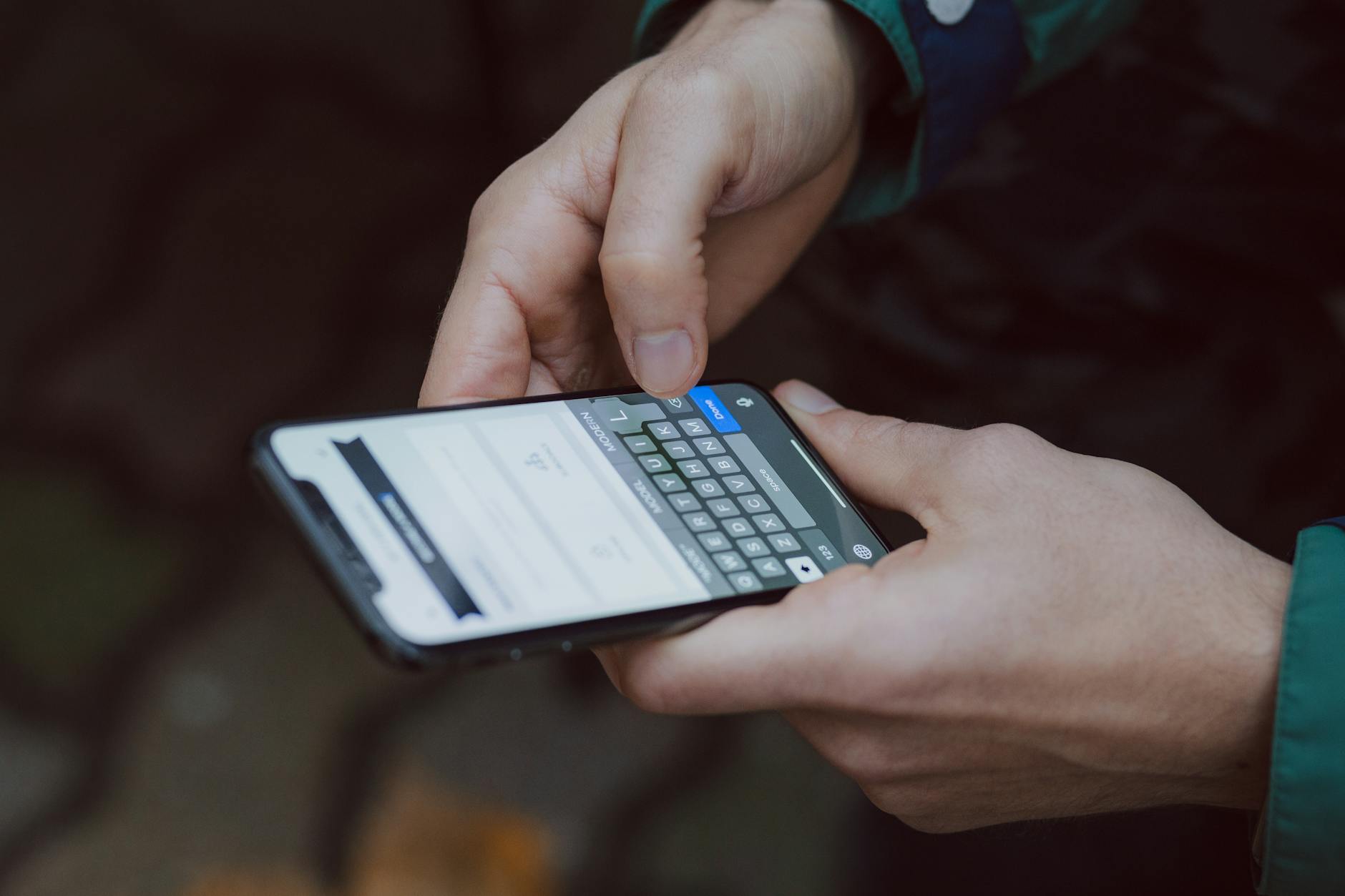
I had a much longer time to use the Clicks from when I first received it in May all the way until now, in late December of 2025. However, I first placed my preorder all the way back in March, making this a rather long chapter overall.
Still, I used the Clicks for all of this time. I eventually learned a good technique to temporarily remove it to clean the phone and case crevices every so often as well. While I also didn’t use the Magsafe support, I like having the option and had some ideas for what to use it for lately.
Aside from that, many of the things I mentioned previously still hold up for the most part. There are a lot of things I generally do like, and there are other things that I don’t. For what I do like, such as having tactile keys again, having a better typing experience overall, and freeing up overall screen real estate, there are negatives like the phone being long, no sound passthrough, or the fact that only one of my USB chargers works with it.
Going back to that first negative, it was refreshing to go back to my Pixel 9 not feeling so long in my pocket. Then a few other things did bother me enough that I considered not using the Clicks anymore. For instance, the aforementioned lack of music passthrough made me search for roundabout solutions to play my music during my drives.

Some symbols (like “&” in particular) were annoying to reach considering I liked using SwiftKey for spell checking and predictions. I know I could have used GBoard instead, as the Clicks seems to heavily push it, but the predictions simply aren’t as good on GBoard as they are on SwiftKey.
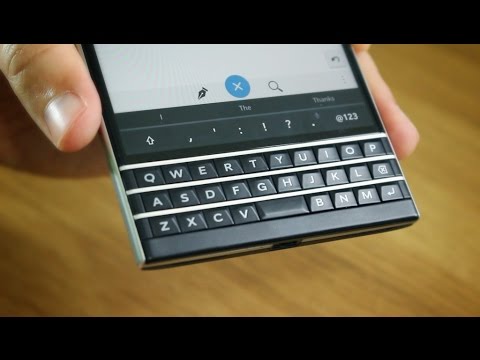
Speaking of predictions, I gravitated more toward using my predictions when typing words instead of typing them all out. It felt easier overall than manually typing the words all the way through on the Clicks itself, and having three choices above the keyboard, again, reminds me of those days when I used to daily drive my BlackBerry Passport.
Speaking of the keys themselves, I still didn’t like the Gemini key or even find it useful at any point. I found a way to disable it from calling up Gemini, although I’m not 100% sure what exactly I did to set this up; it’s been so long that I don’t remember what steps I took to do this. I think that this was because I selected nothing in the Clicks app, but I’m not sure if this was what did it, as I did have issues trying to disable the intrusive AI the first time.

Still, I only wish it were as easy as disabling accidental CAPS LOCK, which would sometimes come on and not let me disable it, even after using several key combinations and shortcuts. While that’s bad enough if it happens once, it actually happened twice. I was only able to fix it by rebooting the Pixel 9 when this happened, and I’m not 100% sure if this was some sort of hardware defect or some user error on my part.
The Initial Deal-Breaker
I know this long-term look so far seems more negative, I get that. But despite all of these minor shortcomings, I still generally like using the keyboard. Having a physical keyboard on a modern smartphone at all is awesome in this day and age, and it’s largely because we don’t have many options.
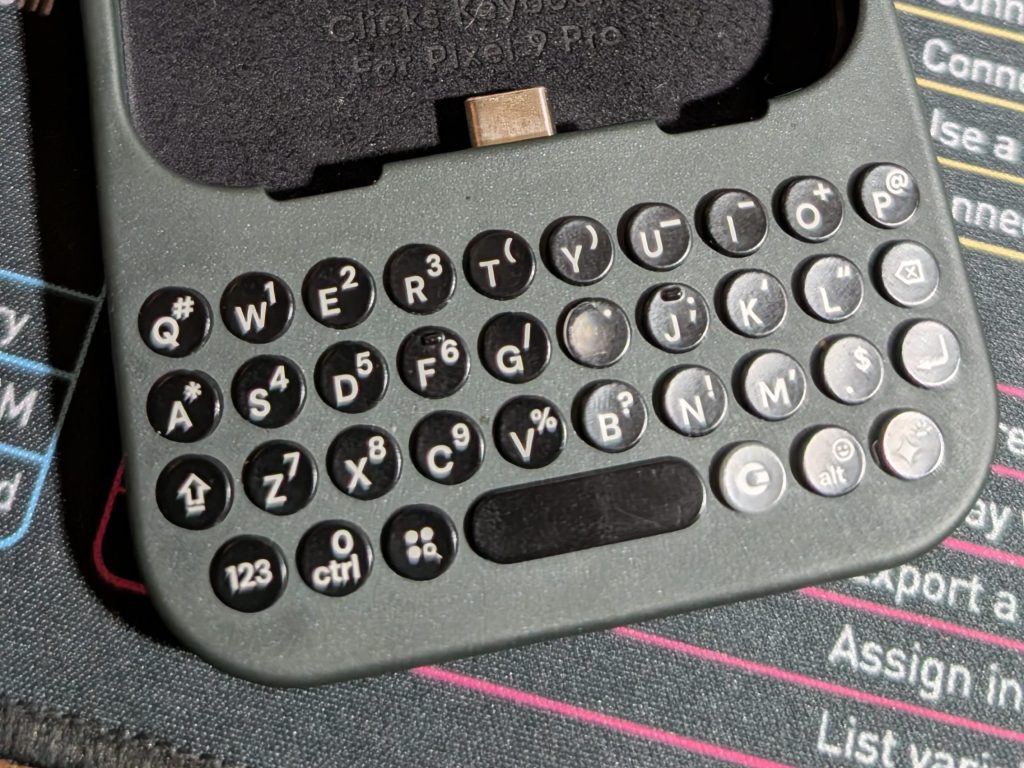
Still, something happened a couple of weeks ago that made me seriously consider not using my Clicks anymore, specifically when one of my keys chipped away completely, making the keyboard look awful. It was all the more frustrating that the rest of my keys were perfectly fine with that sole key acting as an unsightly blemish, a constant blight.

This was the last straw for me. Compounded with everything else, I seriously considered just cutting my losses and going back to a software keyboard like the majority of people. However, while I did enjoy the surprising feeling of my Pixel 9 taking less space in my pocket, I still missed the tactility of the Clicks. Despite a lot of the drawbacks I mentioned, it’s almost completely worth it to have the satisfaction of seeing 95%+ of my phone’s screen while typing on physical keys.
What Did I Do About This?
What was I supposed to do about the keyboard though? I initially attempted to ignore the chipped key, but seeing the backlight became its own type of terrible as I saw that single key light up entirely in white while the rest looked presentable.
After ignoring the problem failed, I looked online into various things I could possibly do. Turns out that nobody sells swappable, replacement keys for these keyboards, which didn’t surprise me, but I thought it was worth looking into that first.
And despite what the Clicks website said about its warranty not covering general wear and tear, I thought that would initially be a dead end. However, considering the rest of my Clicks was perfectly fine while only one key was effaced, I thought it was worth looking into the warranty process. The worst they could say was no.
After confirming my details, I was asked to send photos of my affected Clicks. No response until eight days later (yes, I counted), when I finally received an email confirming that my warranty was approved and a replacement was shipped via DHL Express. I only describe this entire aspect in case anybody out there was in a similar boat and wondering about warranty coverage for a single key rubbing away.
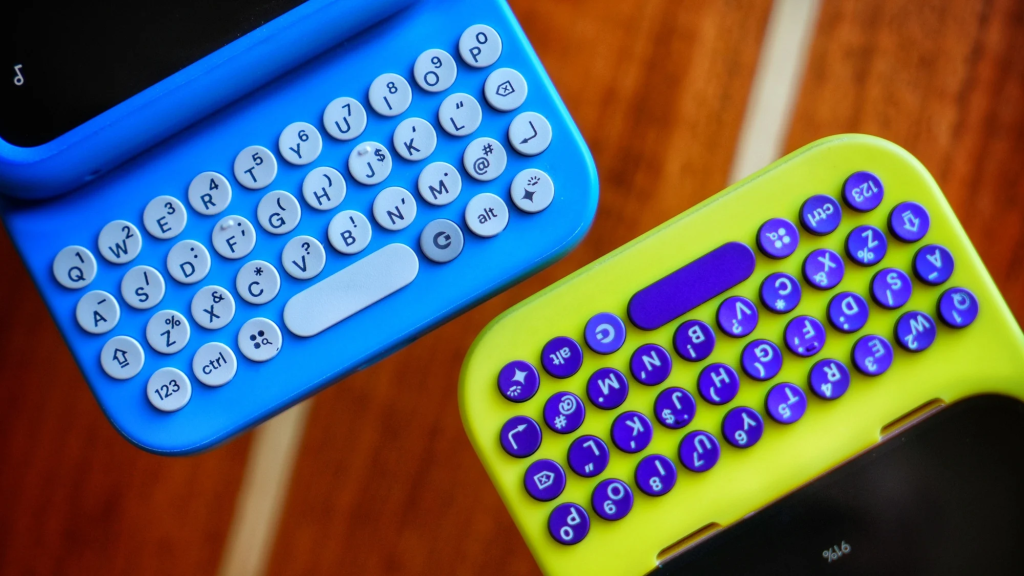
Four days later, the replacement unit arrived, and that was also accompanied by Clicks sending me several emails welcoming me to using a Clicks for my Pixel 9, as if I had never used the device before. It was strange considering I already received these emails in May, so getting these again felt strange. It was more disconnected seeing those pictures of the “Surge” variant, with its eye-popping purple keys, that we never actually got for the Pixel 9. In case anybody is unaware, this was originally a second color offered during preorders alongside the default black version before it was quietly dropped and forgotten.
It took quite a bit of waiting, but now I have a fully-intact keyboard back on my Pixel 9 again. I had no idea how much I missed having this keyboard until I went about two weeks having to tap glass again.
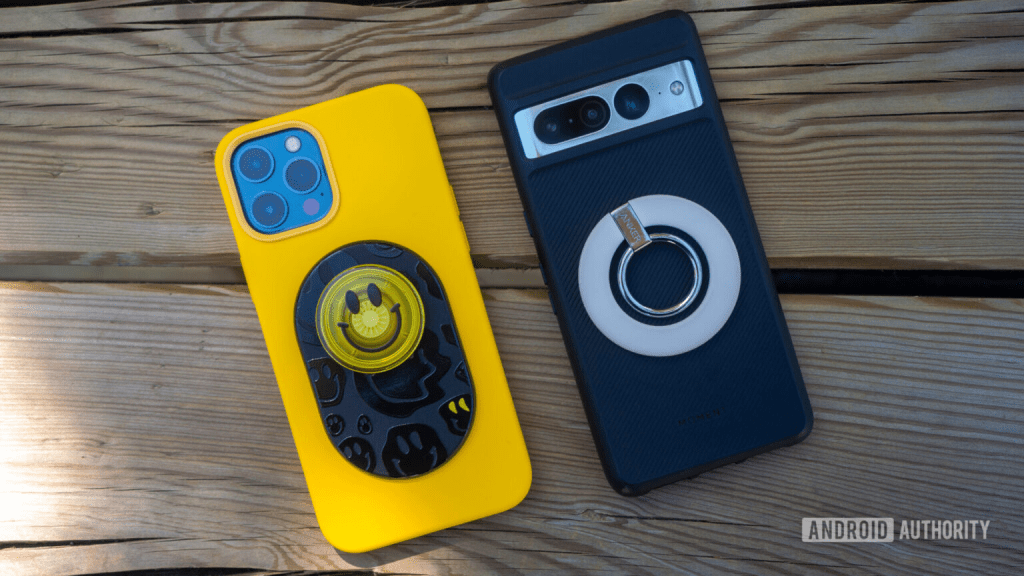
I didn’t stop there either. I had been thinking about it for a few months, and in hindsight, I’m glad I hadn’t committed before, but I bought a Magsafe Popsocket to install on my new Clicks. In case you’re unaware, Popsockets are these little, expandable sockets that go on the back of the phone. This socket comes in all kinds of shapes and colors, and it enables two great features: allowing the phone to stand horizontally or giving your fingers a place to support the phone better as you hold it.
Considering that the magnet inside of the case isn’t all that strong, I’m glad the one I purchased came with an adhesive ring to install outside of the Clicks first. This is the sort of thing I was referring to when I mentioned that I never really took advantage of anything Magsafe but really wanted to at least get some use out of it. There have been multiple instances where I’ve been with my girlfriend, wanted to show her a quick clip on YouTube, and then found myself wishing I could prop the phone up on its side. I used an adhesive-based Popsocket years ago on my OnePlus phone, and I really liked the idea of using it again, and that’s despite how my Clicks already makes my phone feel large enough in my pocket to begin with.
Ultimately, I acknowledge that the Clicks for Pixel 9 has quite a few small drawbacks here and there that I’ve noticed over the past seven months, but despite that, my desire to have physical keys outweighs the cons. I found it worth waiting several days for my replacement device after going through the warranty. I only wish I didn’t have to wait 8 days for a response from the Clicks warranty department.
Do you miss having a physical keyboard on your phone, maybe enough to use something like the Clicks? Would you consider a Clicks or a similar accessory that adds a PKB onto your existing phone? Or do you like the idea of a phone that already has one built-in? Tangentially speaking, maybe you have some nostalgia for any older phones that supported keyboards like BlackBerrys, the OG Droid, the Sidekick, or anything else along those lines? Feel free to comment and share your thoughts or perspective. I’d love to know what you think.
 Sudo Science
2 responses to “I Used a Physical Keyboard on my Pixel 9 for 7 Months: A Long-Term Clicks Review”
[…] I Used a Physical Keyboard on my Pixel 9 for 7 Months: A Long-Term Clicks Review […]
LikeLike
[…] I’m already using a Clicks keyboard on my current Pixel 9, and I am mostly satisfied with how my Pixel 9 has performed so far. Despite that, however, I was excited to see the upcoming announcements from Clicks: the Power Keyboard and the Communicator. […]
LikeLike