
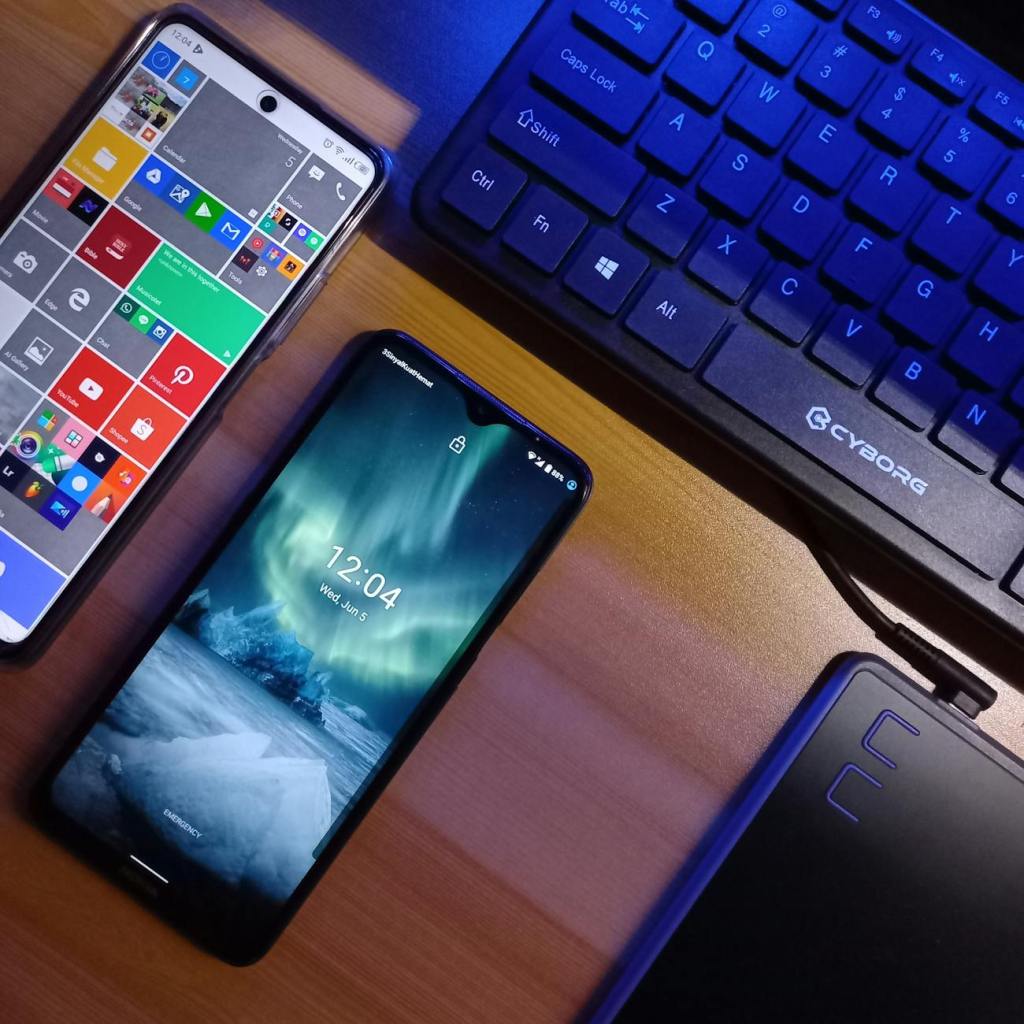
NOTE: As usual, this is not paid or endorsed in any way. Rather, this is an honest review of an Android launcher after I used it for a while. Because nobody has paid me to express myself, I get to be as honest and critical as I like.
I didn’t update on this during my busy summer, but I do feel it is relevant to mention. I used my OnePlus 10 Pro for a few years, and despite my attempts to switch to a dumbphone, I always stuck with my OnePlus in the end. I planned to use it for another two years from this point before I had even considered switching. It worked great, and it met all of my needs. I could leave well enough alone! Who needs to upgrade?
Yet here I am now with a Google Pixel 9. What happened? Did Mr. Hyde simply renege on what he said? Well, no. Shortly after I moved for my new job, I dropped my OnePlus down the apartment staircase, absolutely shattering the screen, rendering it entirely unresponsive to touch. If it hadn’t been for my Nextcloud setup syncing all of my photos automatically, I would have been in a more dire situation.
Still, I needed a new device, and fast. My ever aging BlackBerry Passport wasn’t going to cut it in today’s world, so I had no choice but to visit a local T-Mobile and upgrade. After a lot of deliberation, I thought a Pixel 9 seemed nice considering its size and form factor was “pocketable” and close enough in size to the iPhone 12 mini I used in 2020.
During setup, I redownloaded my old apps, including Before Launcher, which I used happily for years now. However, I started to have an issue with it on my OnePlus phone months ago. Often, I had to double tap notifications in my drawer, which I did not like at all. I mostly tolerated it because I didn’t feel like looking for another launcher. When running Before Launcher on my Pixel 9, however, I got the same strange behavior, so it looked like my settings and OnePlus were not the problem. Maybe, I thought, it was time for a change?
Consequently, I used Smart Launcher for a few months since, and I even had a setup I liked enough. I recalled switching to it shortly before my girlfriend and I went on a short vacation during a 3-day weekend.
Still, the grass wasn’t greener with Smart Launcher: Swiping up to go home felt unresponsive half the time. There were times I wanted to swipe up on it to see my running apps, but the app drawer kept opening up when I didn’t want it to. After having to deal with this enough times, enough was enough. I looked again for another launcher.
Then I stumbled across Launcher 10, an unlikely choice for my needs.
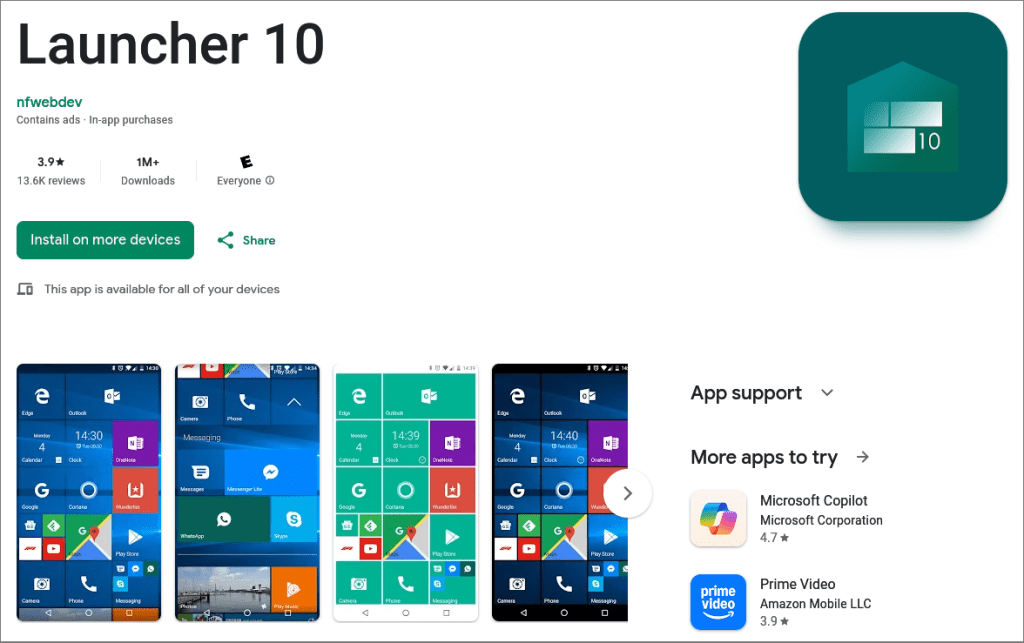
Considering I had Windows Phone 8.1 nostalgia on my mind again lately, this was tempting. Sure, I am a skeptic when it comes to Microsoft’s desktop operating system, but Windows Phone came out at a time when I wasn’t completely disillusioned with the company. Plus, I said it before, but the Windows live tiles introduced on Windows 8 only ever made sense on phones. They still look as good as ever on modern Android. With little to lose, I threw caution to the wind and installed it.
Setting Up Launcher 10
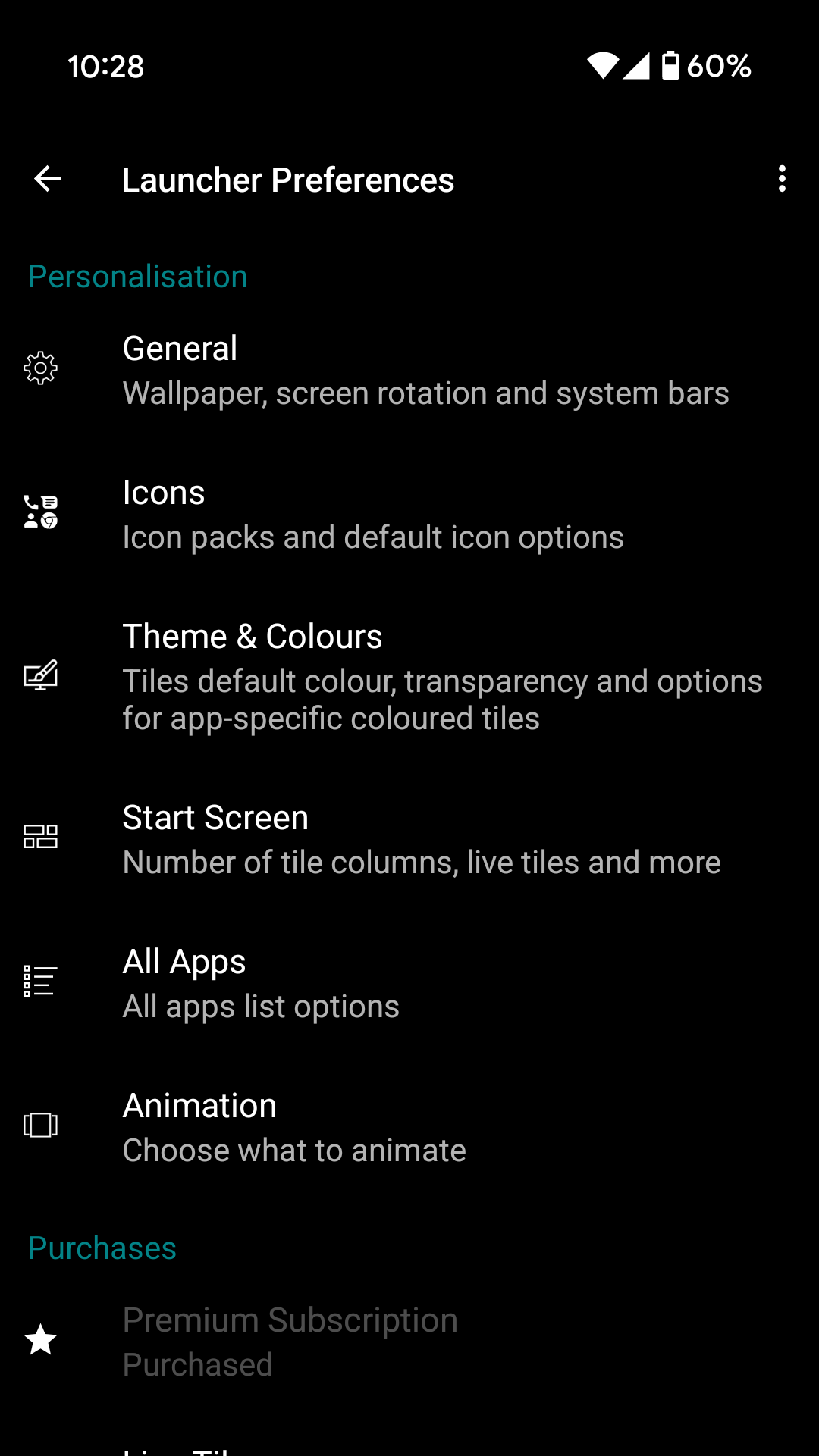
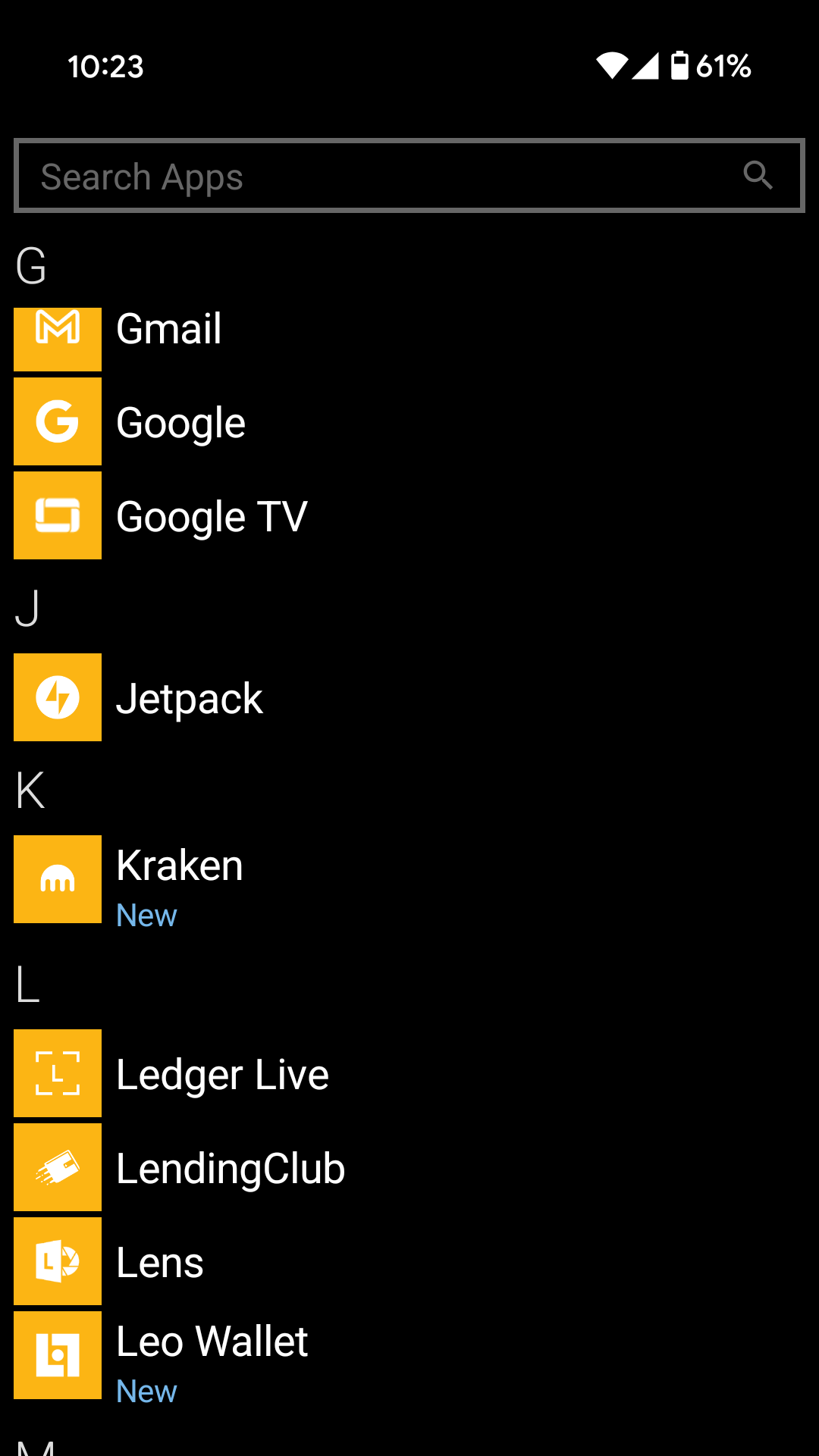
Upon install, everything looked more like Windows 10 Mobile, which was its last iteration before Microsoft pulled the plug on it. I’m talking visible wallpaper with the tiles acting as mosaic parts of the image itself using some transparency. If one used Windows 10 Mobile, I’m sure this is great. However, I’m somebody who had more of an attachment to Windows Phone 8 and 8.1, so this would take time to tweak.
Thankfully, it was much easier than I expected, although I will say one thing: It is extremely tempting to sit down and tweak every home screen icon you have to make it look as appealing or uniform. I liked my initial setup so much that I decided to pay the small amount of money to have live tile support, and now I have everything the way I like.
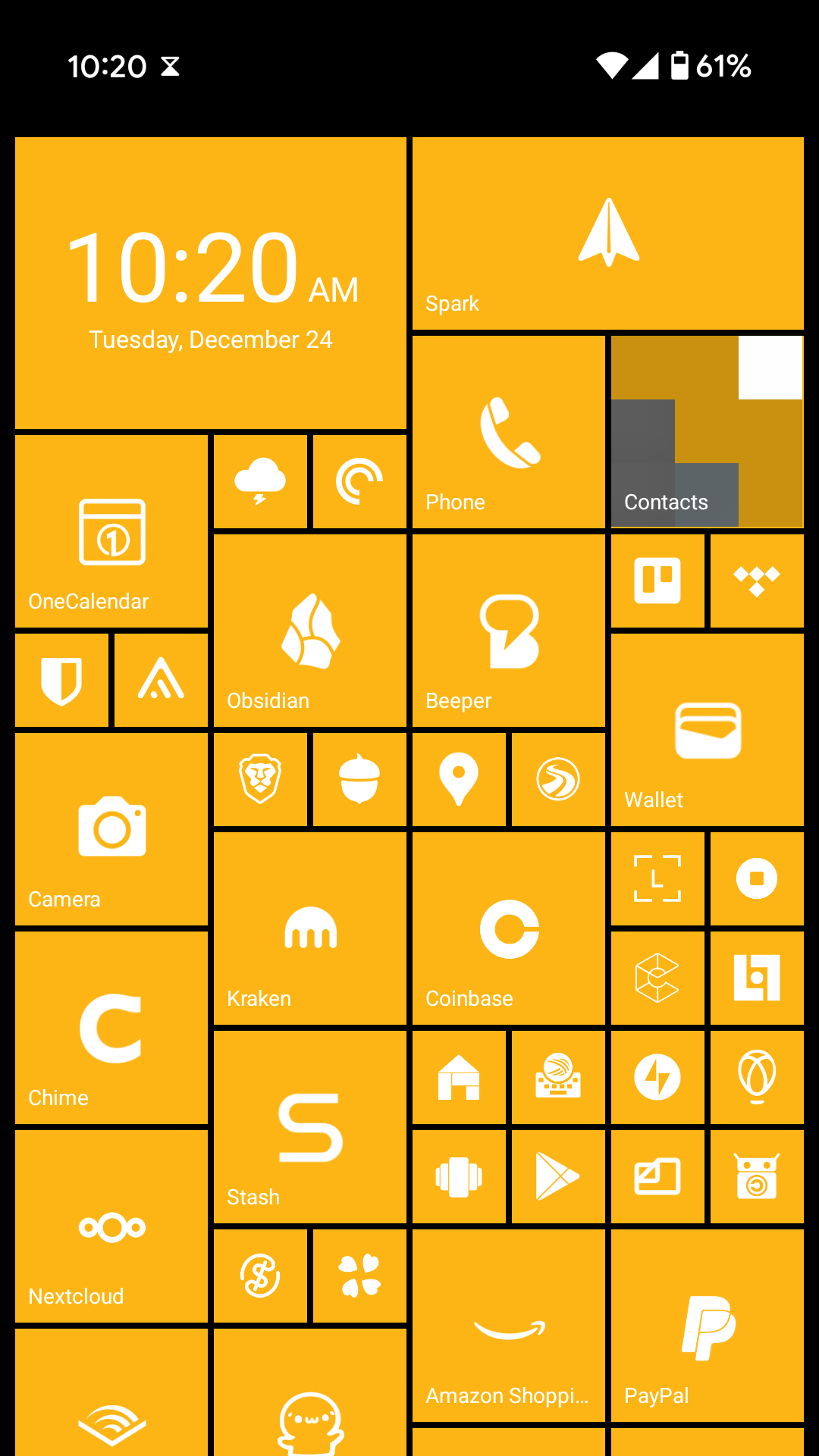
- I picked yellow tiles as my default because it’s my favorite color. After having a blue Lumia 920 back in the day, I still wished I had waited to find the yellow one in stock instead.
- Should I want a change, users can enter in hexadecimal color codes. I could always enter a Nord color at some point if I want to keep things fresh.
- All tiles set to opaque instead of transparent in order to recreate the Windows Phone 8.1 look and feel. Same with a plain black background for my home screen.
- Apps that don’t really give notifications are 1×1 tiles, while apps that have more important notifications are allowed to be larger (usually 2×2) in order to update the live tile on the home screen.
Unlike the original Windows Phone home screen I used, however, I have a lot more options at my fingertips. On top of tile sizes, I can set any tile colors individually. Same with icons. Do I want one app tile to be in red just because I can? It’s possible. What if I want a specific tile to have a very different and skeuomorphic icon from all the others? Also doable. The point is that Launcher 10 puts so many cosmetic options and tweaks at the user’s fingertips, and it’s something I greatly appreciate.
For anybody looking to really go all-out with a uniform look, I recommend finding an icon pack on the Google Play store that contains as many flat, white icons as possible. I picked up a handful of free ones on the Play store and cobbled together what I could to make everything match. All I had to do afterwards was head into the settings, hide the icon sets from the app drawer, and that was it! Everything was matching.
Overall Impressions
I’ve been using Launcher 10 now for about two weeks at the point that I’m writing this, and I am immensely satisfied with it so far. The only complaint I have, if it even counts as one, is wishing I had the option of moving the arrow to open the apps drawer to the top right. This is in case I really want to relieve nostalgia with the older Windows Phone 7, which I recalled using briefly at kiosks and displays in the early 2010s.
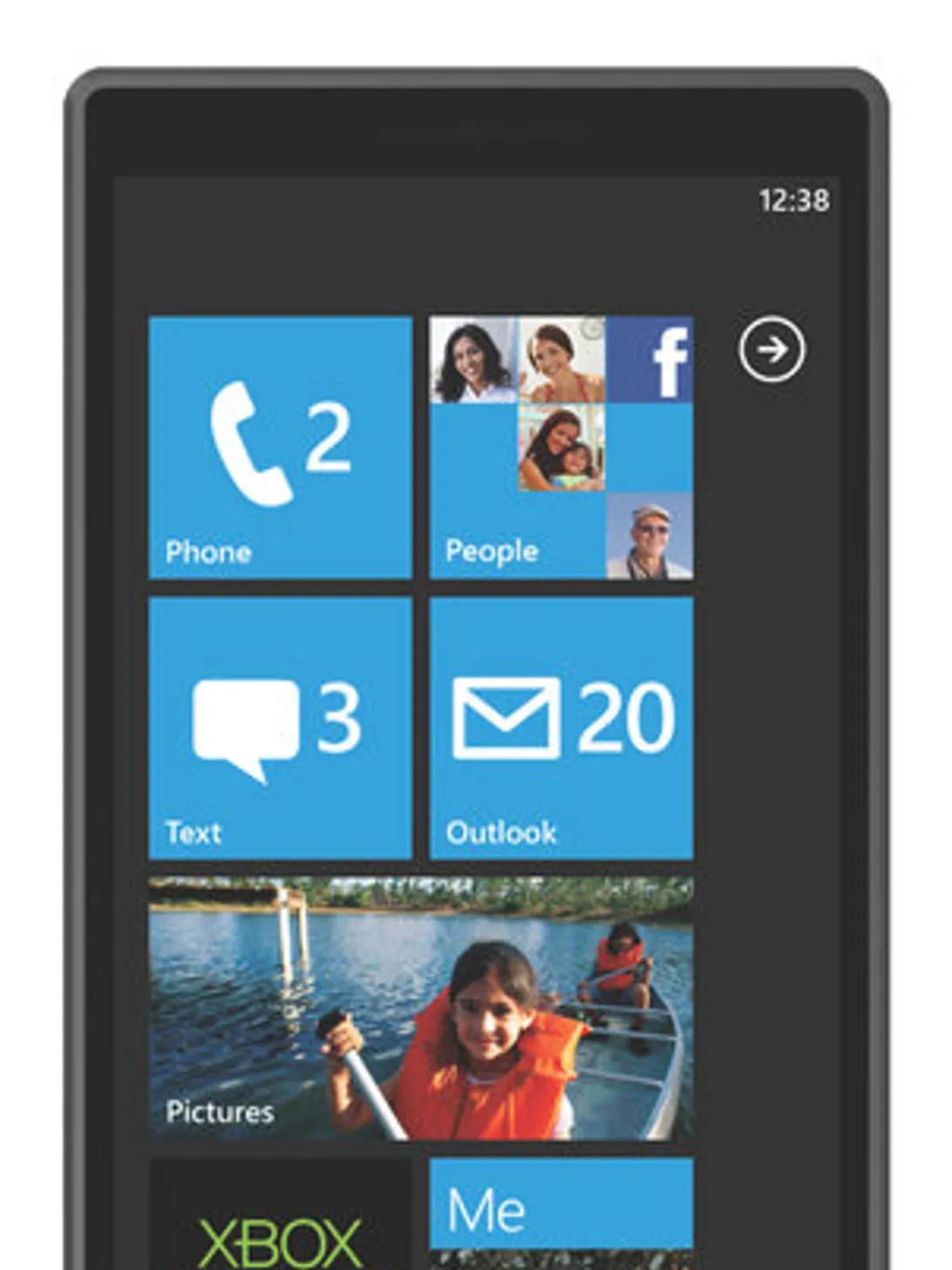
The default Windows Phone 7 screen featured an arrow on the top right that, when pressed, would open the apps drawer. Considering there’s a lot of wasted space beneath it, I suppose I can see why it was scrapped in Windows Phone 8 and onward. (Image Credit: CNET)
Of course, beauty is only skin-deep. If you want your home screen to look more Windows Phone, this is the app for you. However, if you want to go further beyond that and make everything feel more like Windows Phone, Launcher 10 only handles your home screen.
For instance, if you expected to bring back Metro UI in your most-used apps, that’s just not possible. I know, it hurts to admit it now, but we’re never getting Metro UI back. Same with the awesome software keyboard Windows Phone used to ship with, although I guess SwiftKey would be the closest thing since Microsoft bought them years ago. Let’s not forget how those sweet Carl Zeiss cameras were only on Lumia hardware back in the day. Then there’s how the software navigation buttons at the bottom of the screen featured the Windows symbol for home. Yes, for everything I just described, you would still need an actual Windows Phone. Considering Windows Phone reached EOL several years ago now, I’ll take what I can get at this point.
Notifications?
Something I sort of miss from Before Launcher is having all of my notifications of choice tucked away on the left side of my home screen. This way, I could deal with them on my own terms. Still, considering how far Android has come in terms of usability and features, I find it easier to simply mute or disable notifications on apps that I deem unimportant. This way, only specific messages, emails, and calls can still reach me while trivial things are left in the background.
Additionally, one small thing I didn’t like about Before Launcher was having all notifications sound the same, even when they were enabled. With both Smart Launcher and Launcher 10, I realized just how much I missed being able to hear a specific sound byte and tell if I got a text, email, or different alert altogether.
In the meantime, what launcher do you use on your device? What do you look for in your home screen launcher? Do you despise how default Android launchers always want you to see news headlines for some reason? Did this make you feel nostalgic in any way about Windows Phone? Feel free to leave a comment! I’d love to know what you think.
 Sudo Science